Audit logs
The audit log is an append-only record of security-relevant actions: who did what, when, from where, and — for state changes — what changed. It is stored in a dedicated audit_logs table and is the primary forensic artefact for incident response.
What gets recorded
| Area | Actions |
|---|---|
| Authentication | user.login, user.login_failed, user.logout |
| API keys | api_key.created, api_key.authenticated (debounced), api_key.disabled, api_key.enabled, api_key.deleted, api_key.admin_locked, api_key.admin_unlocked, api_key.admin_deleted |
| Users | user.updated (with a diff of changed fields — email, org_id, role_id, disabled) |
| Runtime settings | runtime_setting.updated (with a diff of what changed), runtime_setting.deleted (with the pre-deletion value) |
New integrations record events via app.services.audit.record(...) in the caller's DB session, so the audit entry commits or rolls back with the business operation.
Entry shape
Each row captures:
| Field | Description |
|---|---|
created_at |
UTC timestamp |
actor_user_id |
The user the action is attributed to (null for system jobs or failed logins) |
actor_type |
user, api_key, or system — how the actor authenticated |
actor_credential_id |
For api_key actors, the key id that authenticated |
resource_type / resource_id |
What the action operated on (e.g. api_key / 42) |
action |
Namespaced verb (e.g. api_key.created) |
ip_address |
Client IP, taking X-Forwarded-For into account |
user_agent |
Raw User-Agent header |
metadata |
Action-specific JSON payload |
Raw credentials are never written to metadata. The API key token is only stored as a SHA-256 hash; audit entries reference the key by id.
Failed login semantics
user.login_failed entries carry the attempted email in metadata.email but do not set actor_user_id. This avoids confirming that an account exists purely because a login was attempted against it.
Runtime-setting diffs
runtime_setting.updated entries include a shallow diff between the previous and new values:
{
  "namespace": "retention",
  "diff": {
    "added":   { "exempt_tags": ["retention:exempt"] },
    "removed": { "obsolete_flag": true },
    "changed": { "period_days": { "before": 365, "after": 180 } }
  }
}
When the namespace did not previously exist, the full new value is surfaced under added. An empty diff ({}) means the admin saved the namespace with no effective change — still recorded for forensics.
runtime_setting.deleted entries record the full pre-deletion value under metadata.previous so it can be reconstructed.
Viewing audit logs
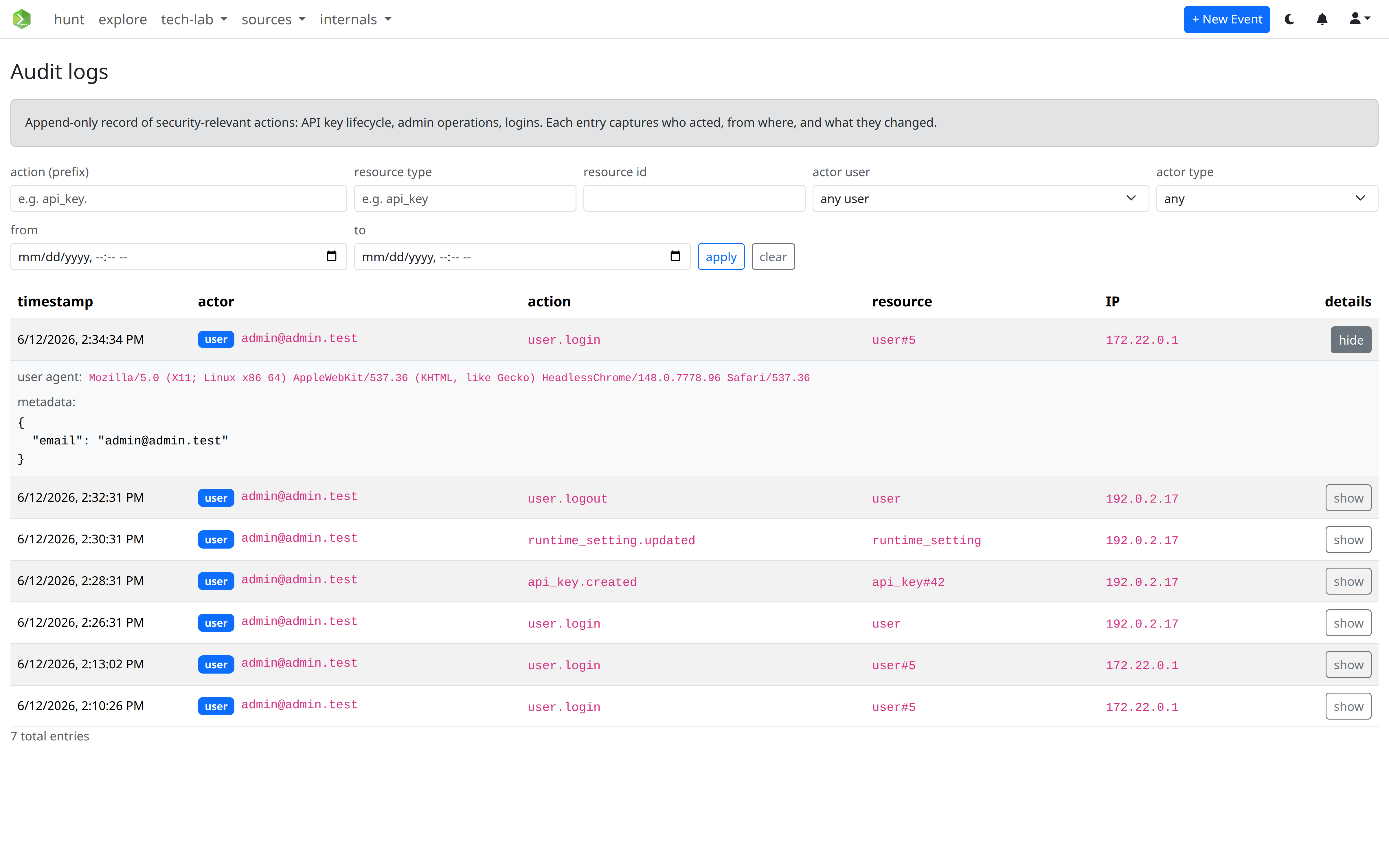
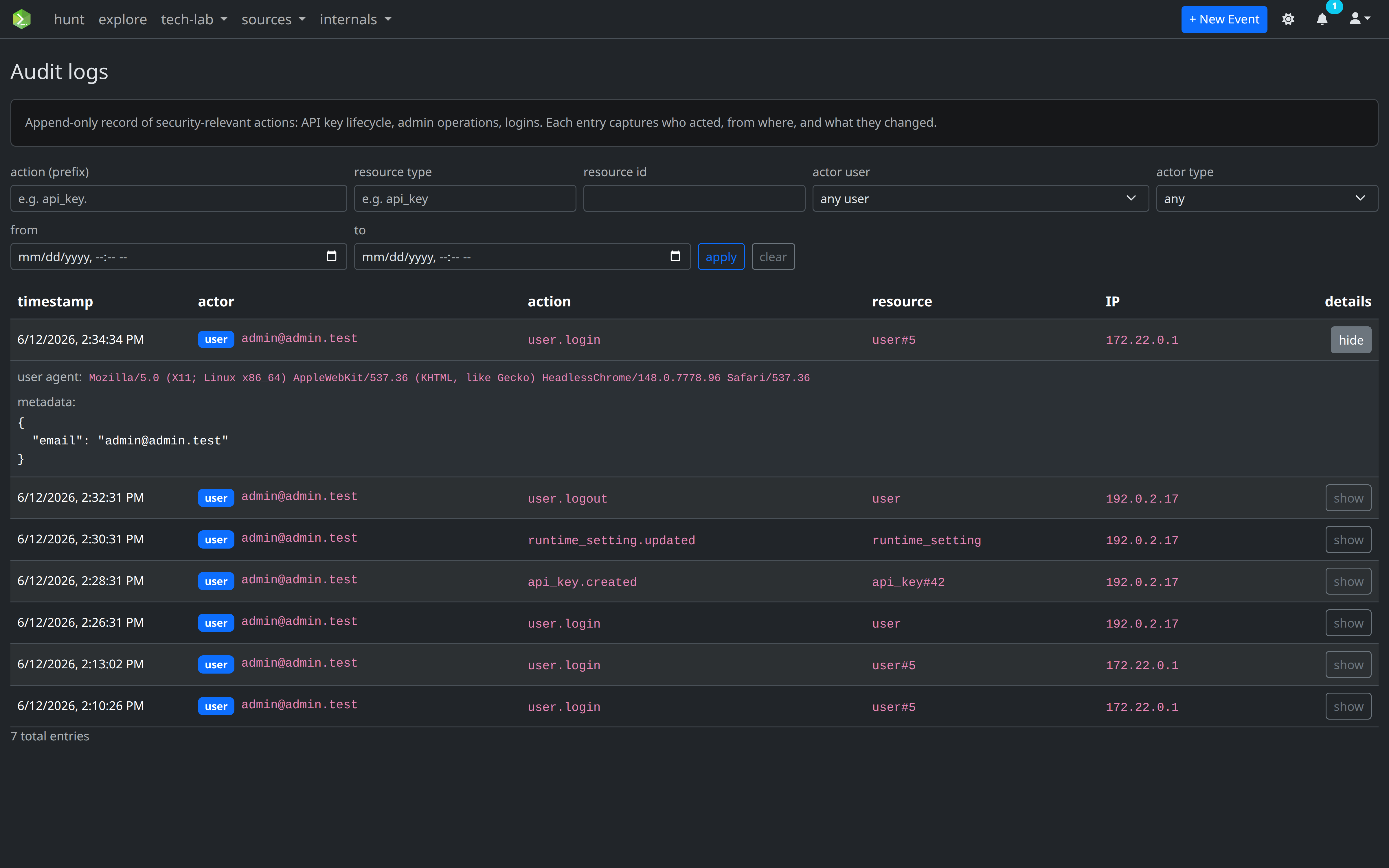
Users with the audit_logs:admin scope can browse the log from internals → audit logs. The view supports:
- Action prefix — e.g.
api_key.to scope to all key lifecycle events - Resource type / id — pin to a specific object (e.g.
api_key#42) - Actor user — pick a user from the dropdown
- Actor type —
user,api_key, orsystem - Date range — ISO-8601
from/to
Each row can be expanded to reveal the raw user_agent and metadata.
API reference
| Method | Path | Description | Scopes |
|---|---|---|---|
GET |
/admin/audit-logs/ |
List entries (paginated, filterable) | audit_logs:admin |
Query parameters: actor_user_id, resource_type, resource_id, action (prefix match), actor_type, date_from, date_to, page, size.
Response is a standard paginated envelope:
{
  "items": [
    {
      "id": 128,
      "created_at": "2026-04-23T09:17:02+00:00",
      "actor_user_id": 7,
      "actor_email": "alice@example.com",
      "actor_type": "user",
      "actor_credential_id": null,
      "resource_type": "api_key",
      "resource_id": 42,
      "action": "api_key.created",
      "ip_address": "203.0.113.5",
      "user_agent": "curl/8.4.0",
      "metadata": { "name": "Splunk production", "scopes": ["events:read"] }
    }
  ],
  "total": 1,
  "page": 1,
  "size": 25,
  "pages": 1
}
By default only users with the * scope (admin role 1) have audit_logs:admin. Grant it to additional roles via the roles API when you need separate audit personas.
Retention
Audit logs are not subject to the event retention policy — they are kept indefinitely. Prune explicitly via SQL if required by your data governance policy.
Adding new integrations
When instrumenting a new feature, follow these conventions:
resource_typeis a short tag (api_key,event,user,runtime_setting, …).actionis a dotted verb namespaced by resource:api_key.created,user.login.metadatais a JSON-serialisable dict containing just enough context to make the entry actionable without opening the affected record. Never include raw credentials or secrets.- Pass the FastAPI
Requestso the service can capture IP and user agent automatically.