Explore
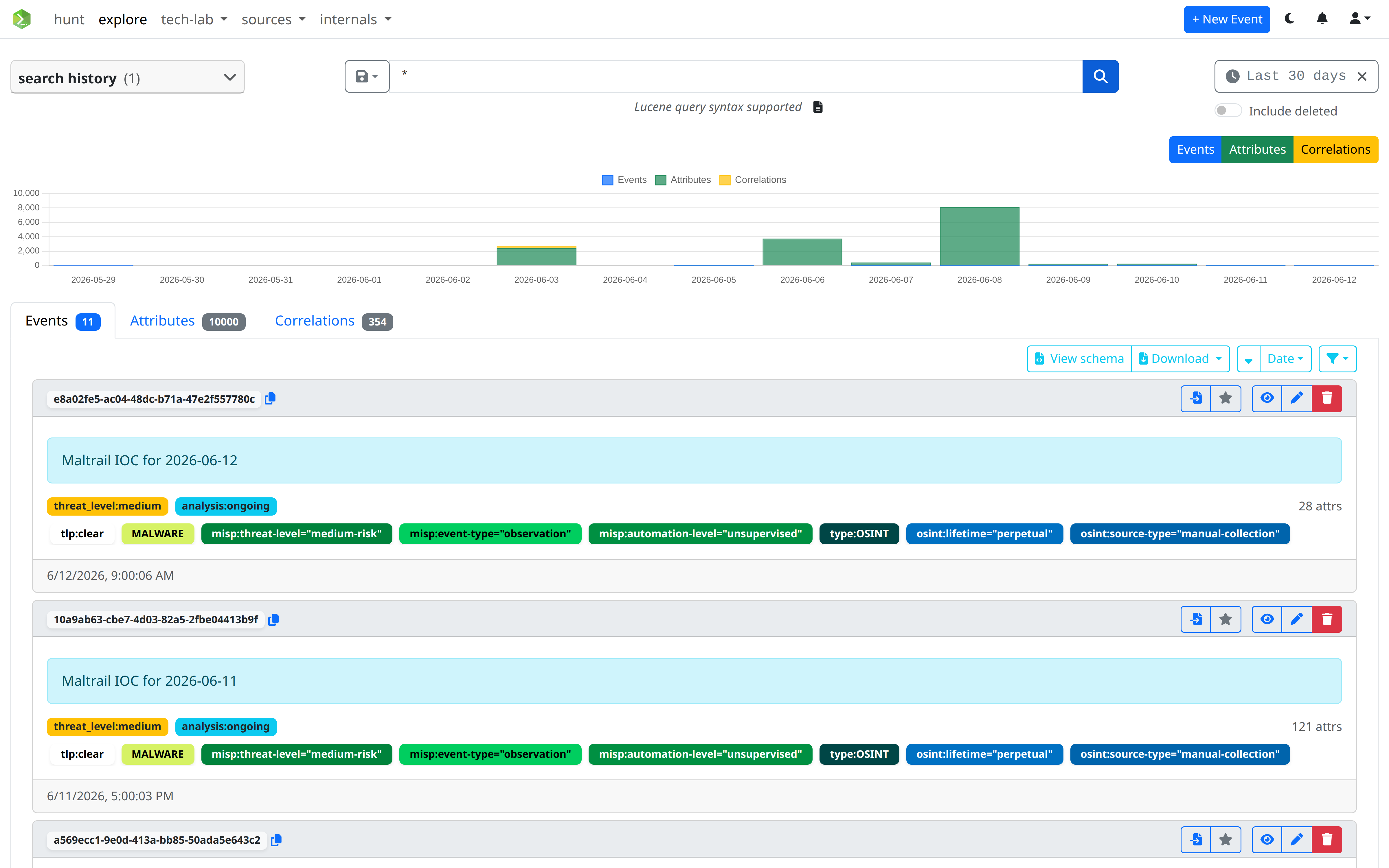
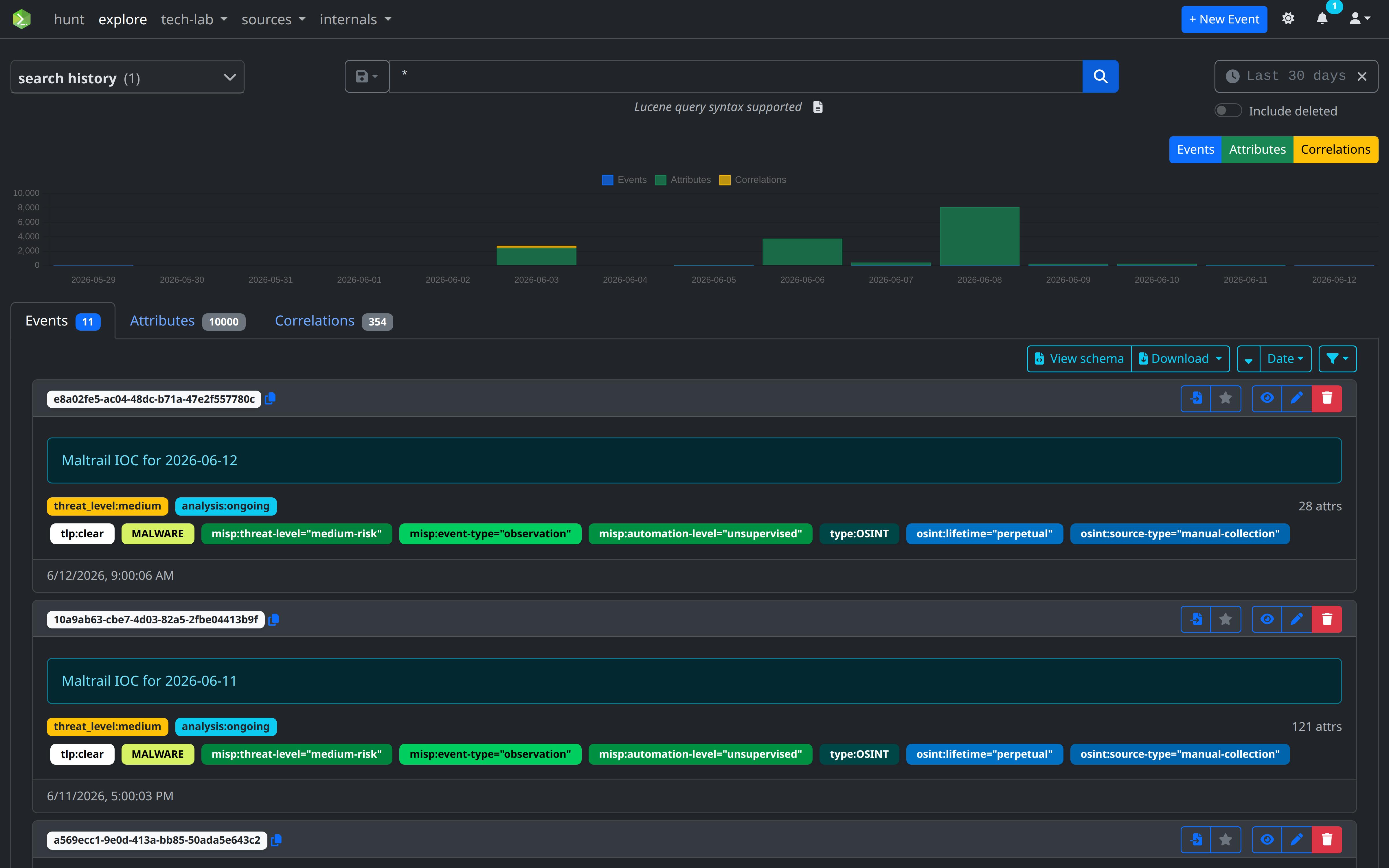
The Explore view provides an interactive search interface over the OpenSearch indices. It lets you issue ad-hoc Lucene queries against events and attributes, filter results by time, and promote any search into a persistent Hunt.
Search bar
Queries are written in Lucene query syntax and executed simultaneously against the misp-events and misp-attributes indices. Results from whichever index has hits appear first.
Press Enter or click the search button to run the query.
Example queries
| Query | What it finds |
|---|---|
info:banking |
Events whose title contains "banking" |
type.keyword:ip* |
Attributes whose type starts with ip |
expanded.ip2geo.country_iso_code:"RU" |
Attributes whose enriched geo data resolves to Russia |
@timestamp:[2026-01-01 TO *] |
Documents indexed from 2026 onwards |
"admin@example.com" |
Exact phrase match across all fields |
tags.name.keyword:"tlp:amber" |
Events or attributes tagged TLP:AMBER |
uuid:"094cecb9-..." |
Lookup by UUID |
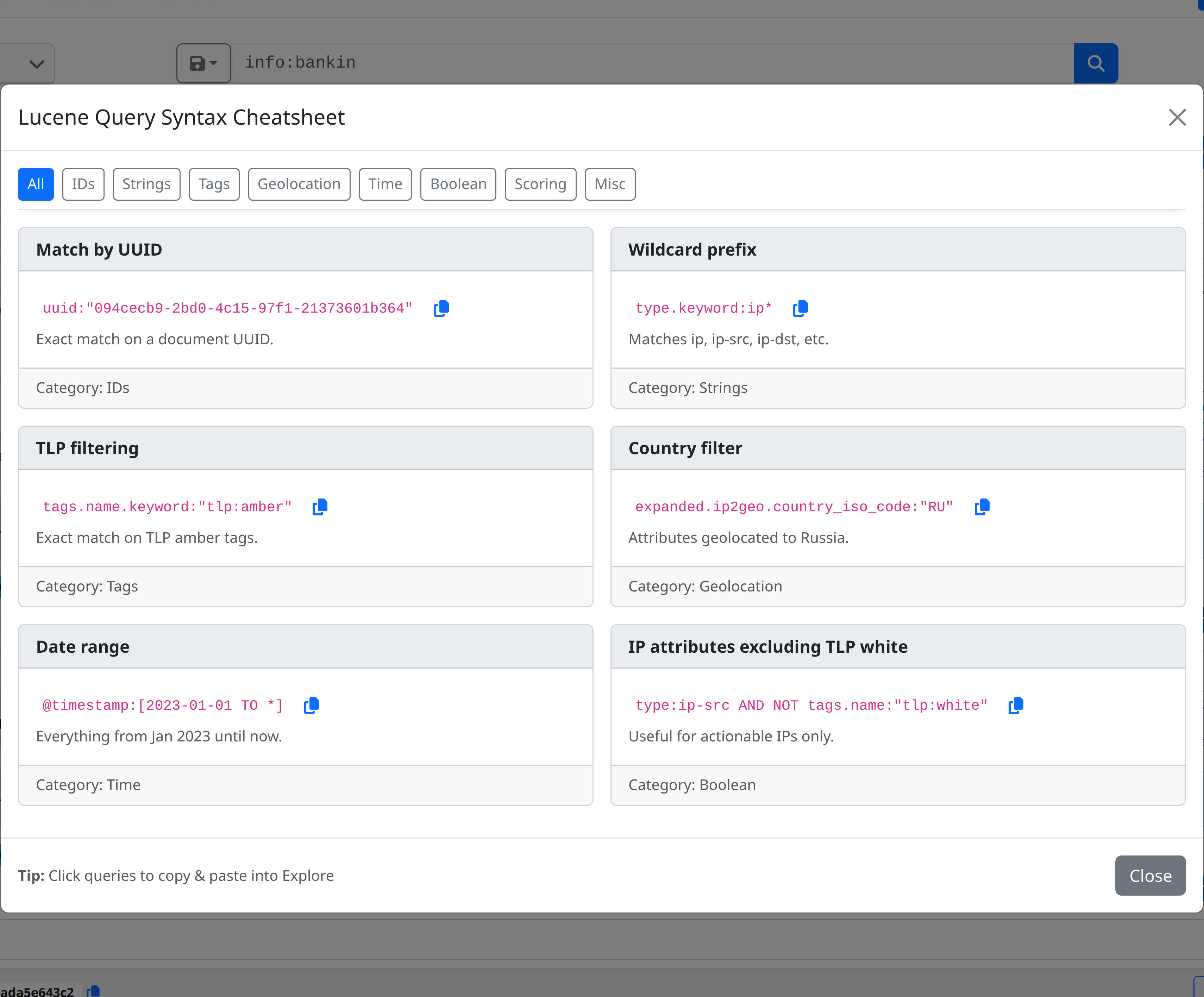
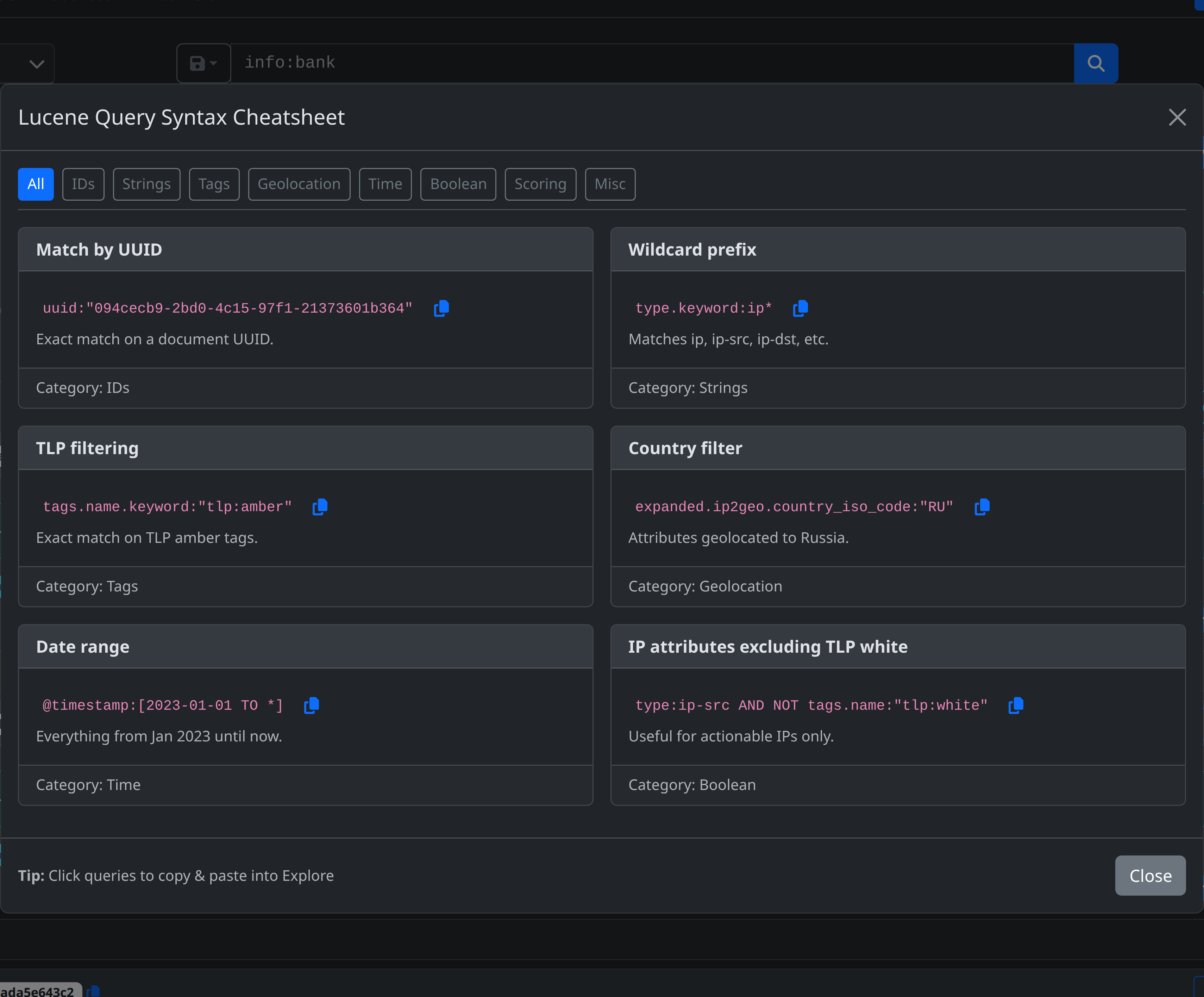
Clicking on Lucene query syntax supported button opens a Lucene cheatsheet.
Time range filter
The time range picker constrains results to a specific window. It appends a @timestamp range clause to your query automatically.
Relative mode offers quick presets (Last 15 minutes → Last 1 year) or a custom value + unit picker.
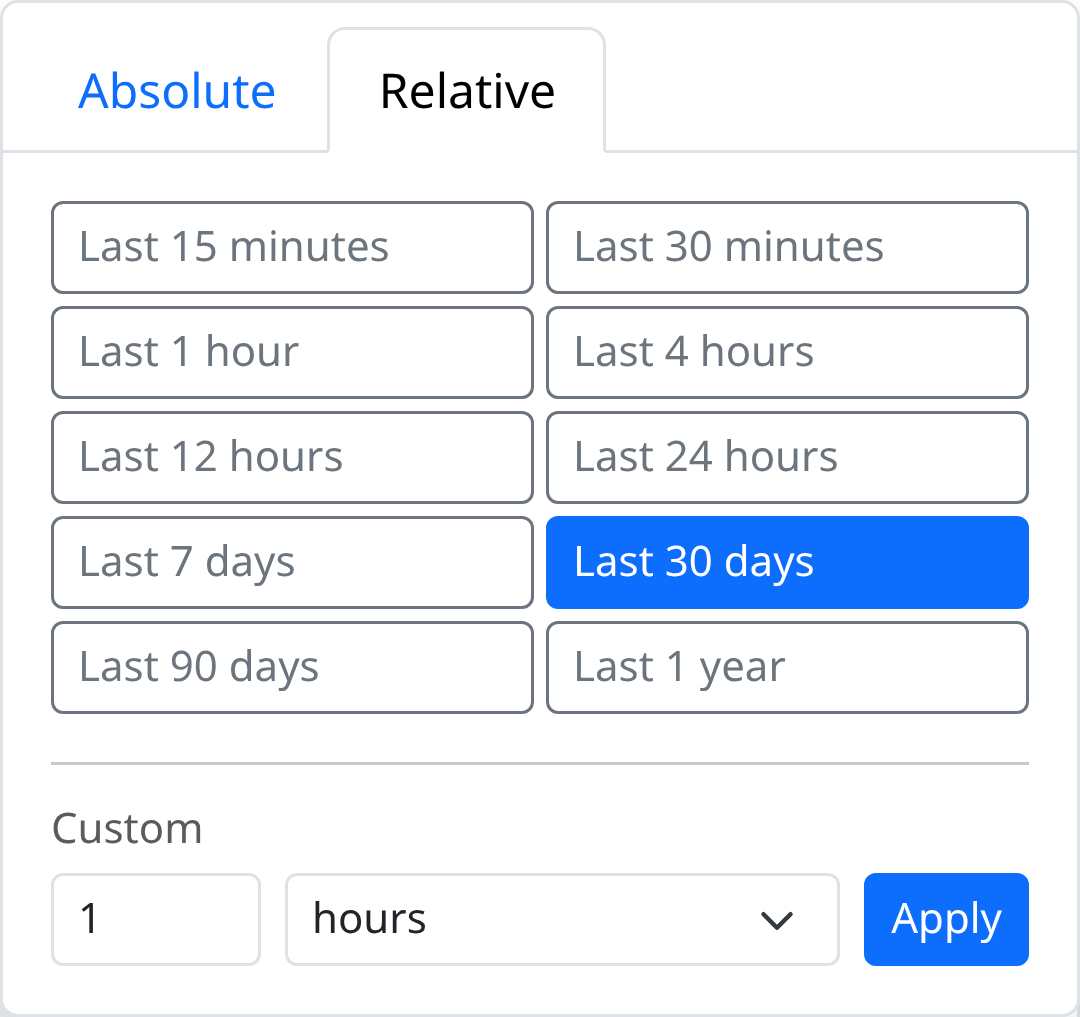
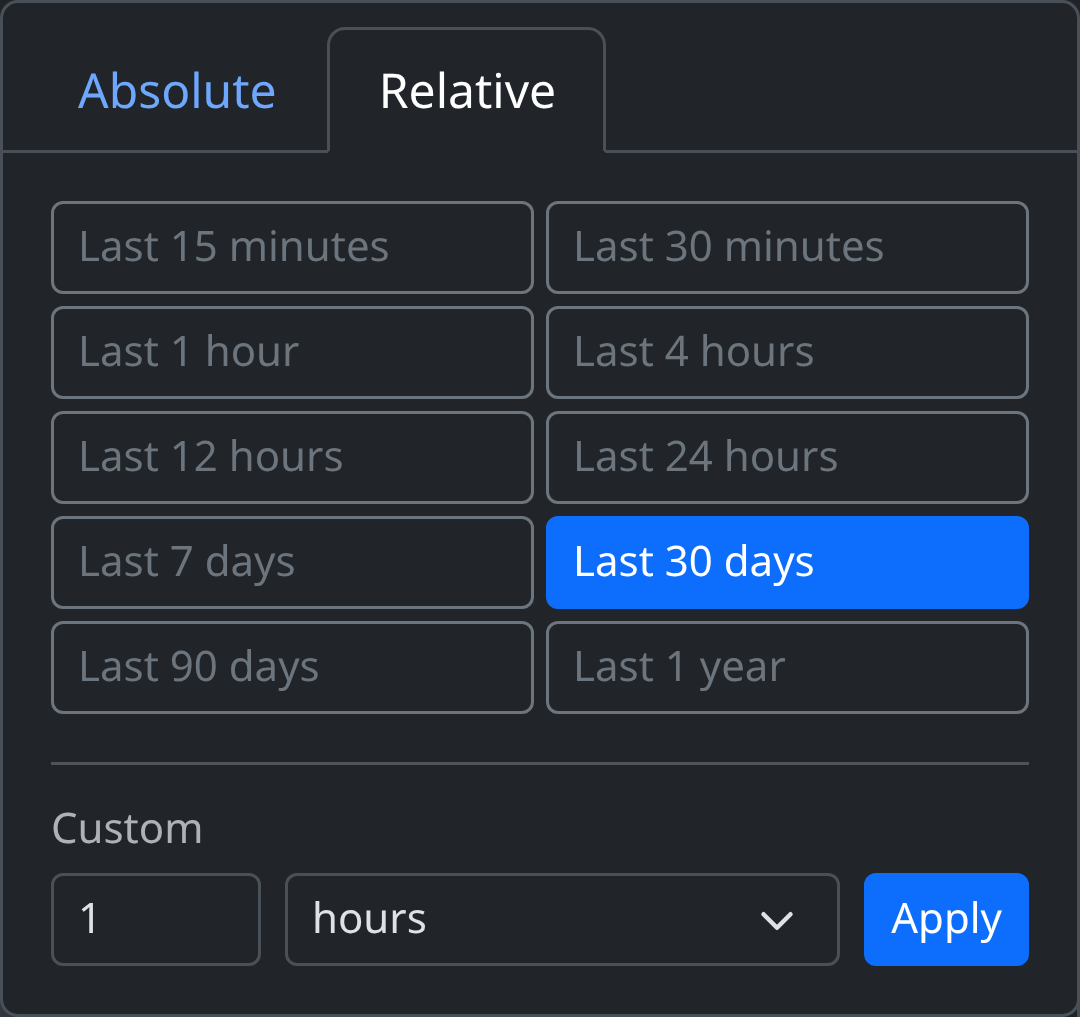
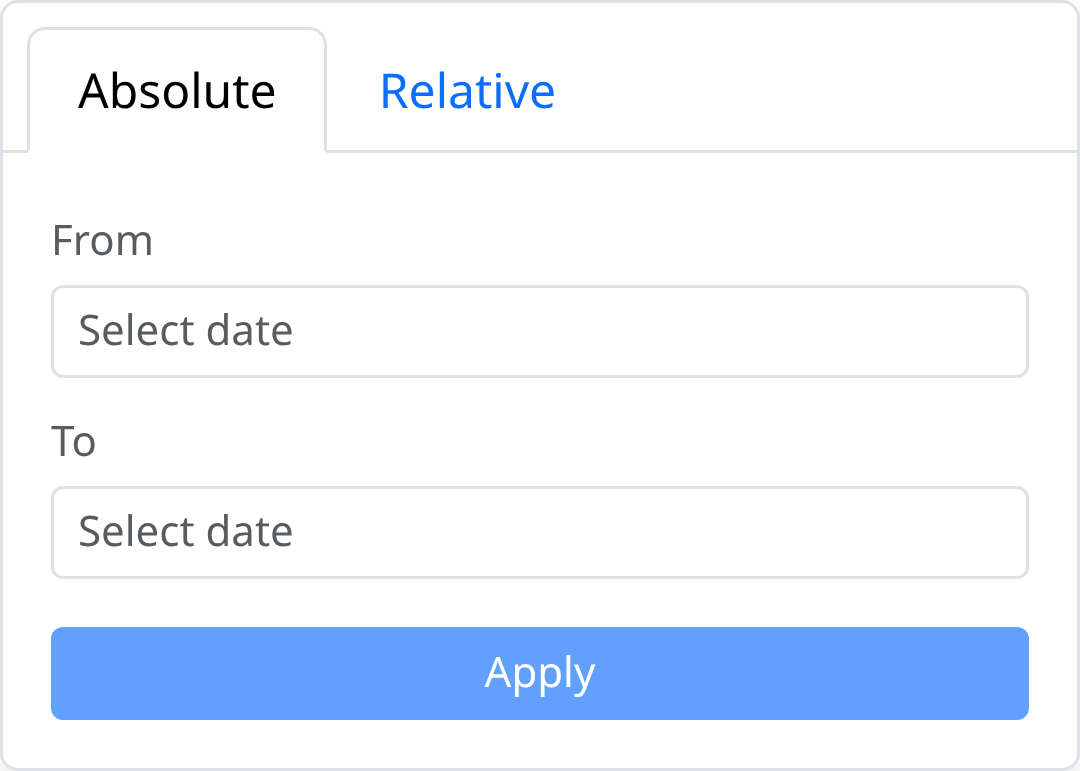
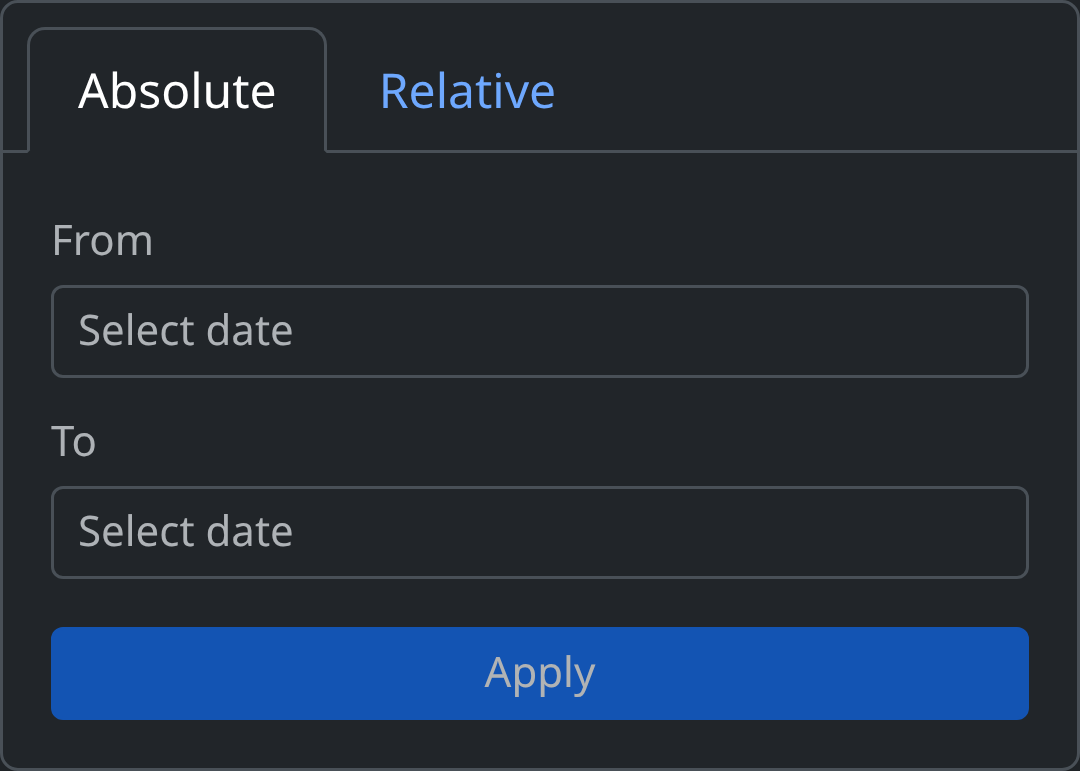
Absolute mode lets you pick exact from/to timestamps with a date-time picker.
To remove the time filter, click the × next to the active range label.
Search history
The sidebar panel tracks two lists:
| List | Storage | Max entries |
|---|---|---|
| Recent | Browser localStorage |
10 |
| Saved | User settings (explore.saved_searches) |
Unlimited |
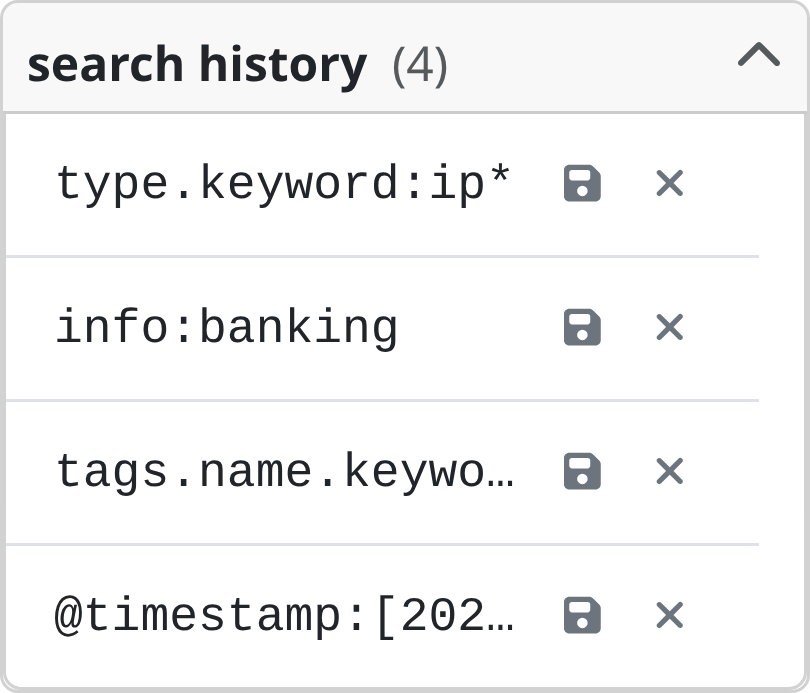
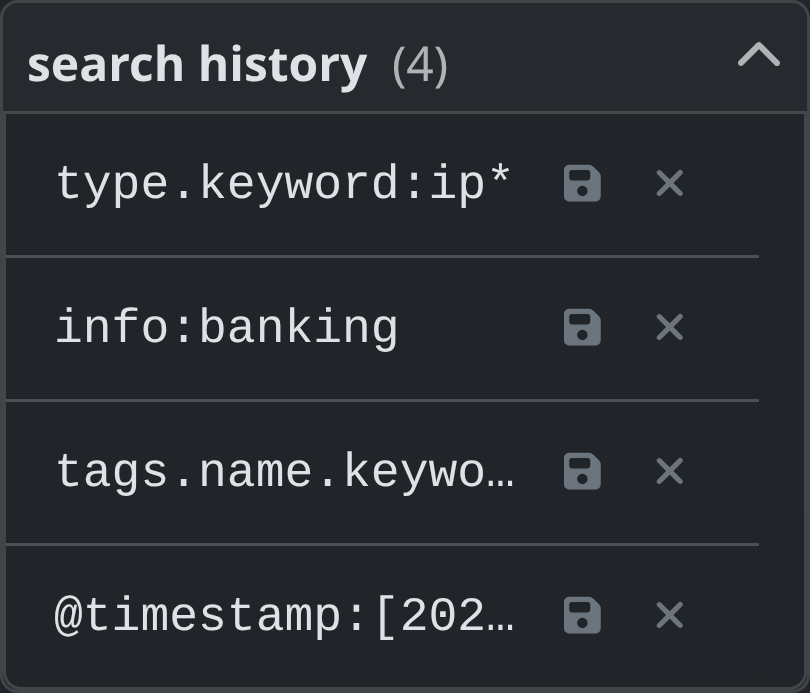
Recent searches are added automatically when you run a new query. You can promote a recent search to saved (persisted server-side) by clicking the icon next to it.
You can re-run a search by clicking on it from the search history panel.
Saving a search as a Hunt
Any query — including the active time range filter — can be turned into a Hunt directly from the search bar.
- Type or select a query.
- Click the dropdown → Save as Hunt.


- The current query (plus any
@timestamprange clause) is pre-filled in the Hunt creation modal. - Give the hunt a name and confirm. The hunt is immediately available in the Hunts view.
This lets you graduate an ad-hoc investigation into a recurring, scheduled search with match-count tracking and notifications.
Exporting results
Each result section (Events, Attributes) has a download button that exports all matching documents (not just the current page) as a JSON file.
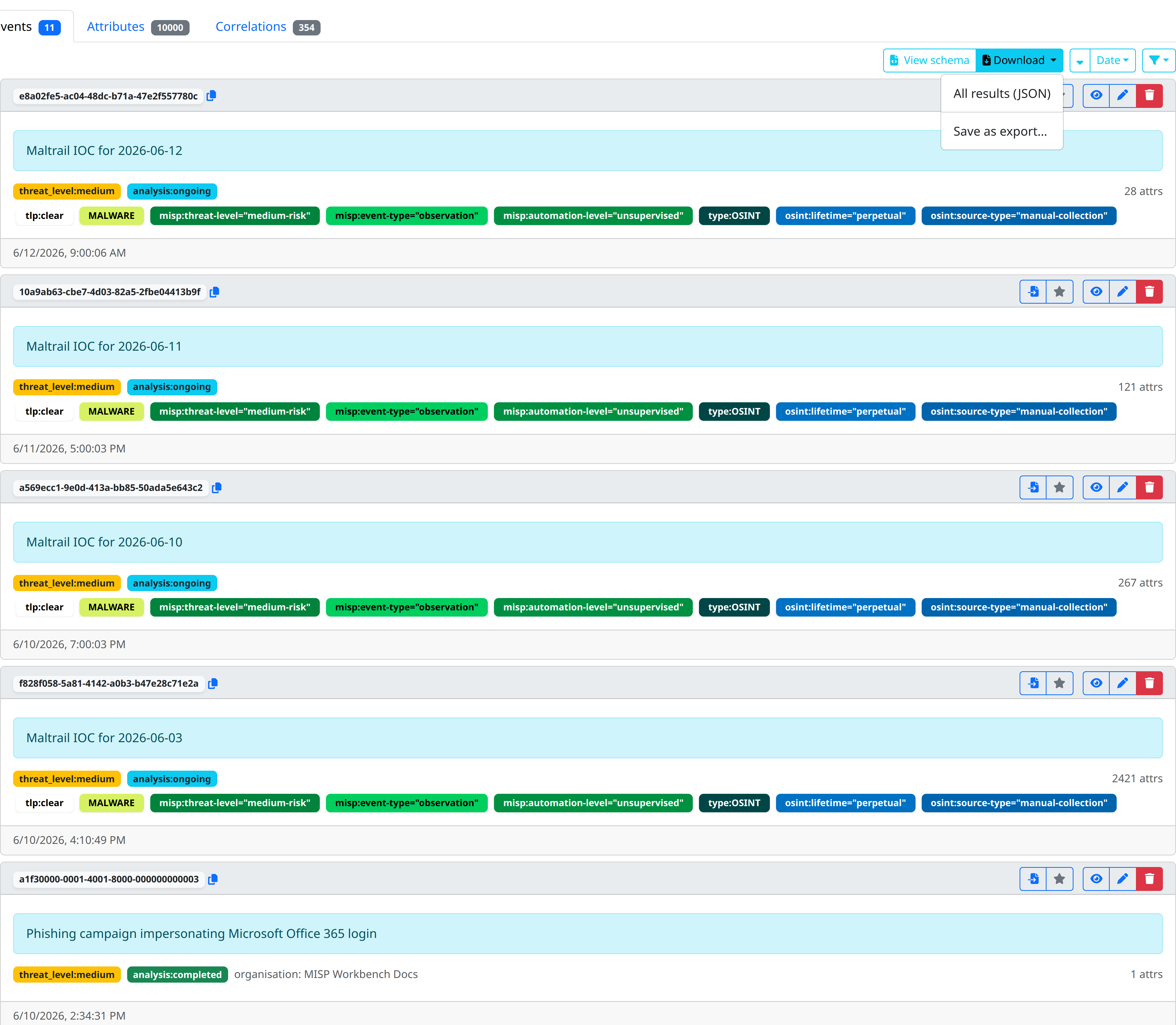
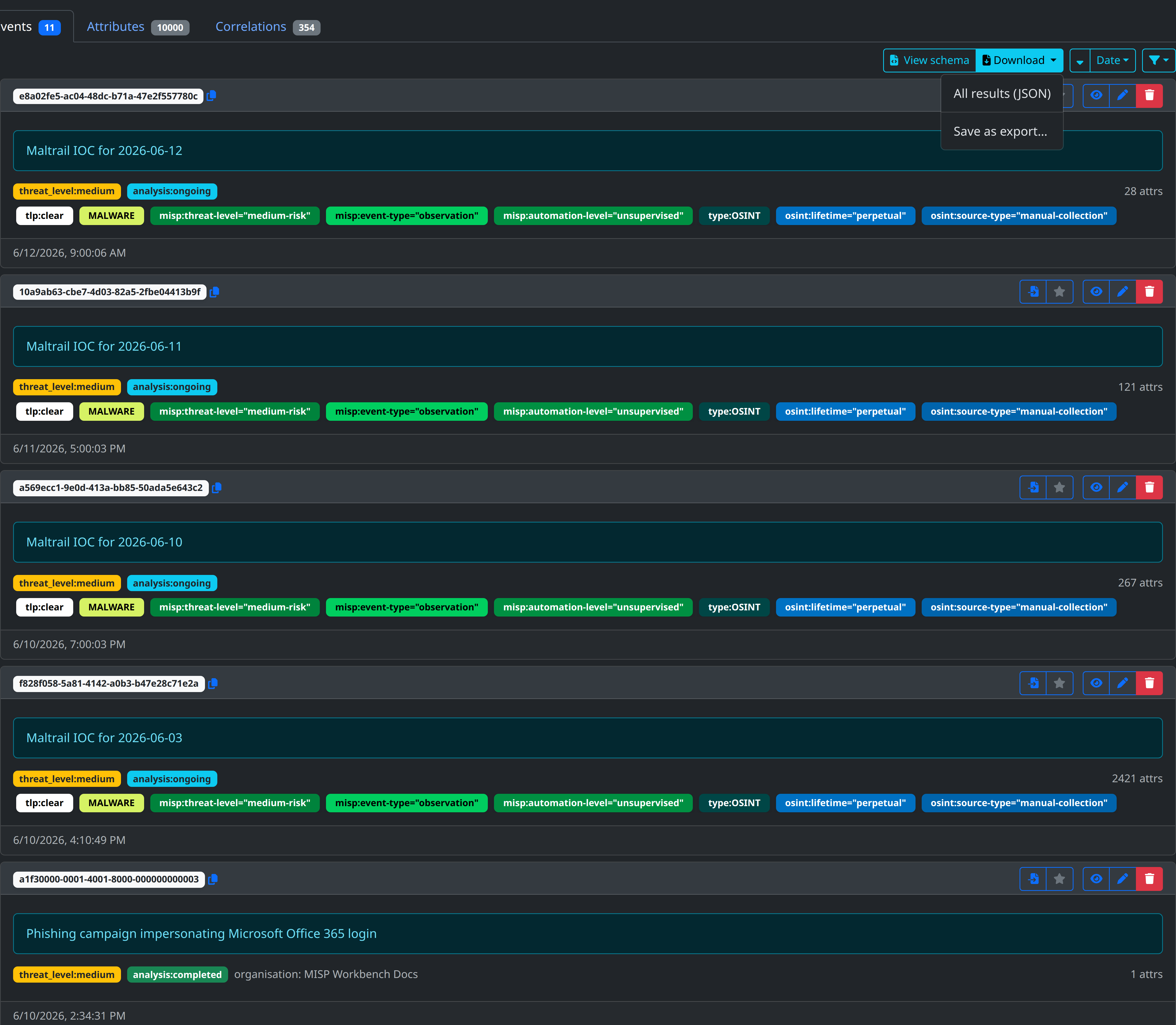
The filename includes the entity type and a timestamp, e.g. misp-workbench-attributes-2026-03-11T10-00-00.json.
API
The Explore view drives two search endpoints:
| Method | Path | Description | Scopes |
|---|---|---|---|
GET |
/events/search |
Search the misp-events index |
events:read |
GET |
/attributes/search |
Search the misp-attributes index |
attributes:read |
Both accept a query parameter (Lucene string) and standard page / size pagination.