Enrichments
Enrichments use misp-modules to add context to attributes. When you enrich an attribute, misp-workbench queries one or more enabled modules and returns additional attributes and objects that you can selectively add to the event.
misp-workbench connects to a running misp-modules instance over HTTP. The connection is configured via environment variables:
| Variable | Default | Description |
|---|---|---|
MODULES_HOST |
localhost |
Hostname of the misp-modules service |
MODULES_PORT |
6666 |
Port of the misp-modules service |
How it works
Attribute (e.g. ip-src: 1.2.3.4)
      │
      ▼
Select enabled modules to query
      │
      ▼
misp-modules service returns enrichment results
(new attributes, MISP objects, object references)
      │
      ▼
Review and select results to keep
      │
      ▼
Selected attributes/objects are added to the event
Module types
misp-modules exposes three categories of modules:
| Type | Description |
|---|---|
| Expansion | Takes an attribute value and returns related attributes or objects (e.g. IP geolocation, DNS resolution, VirusTotal lookup) |
| Import | Ingests external data and returns MISP events or attributes |
| Export | Formats MISP data for external consumption |
misp-workbench currently uses expansion modules for attribute enrichment.
Managing modules
Modules are managed under internals → modules.
Listing modules
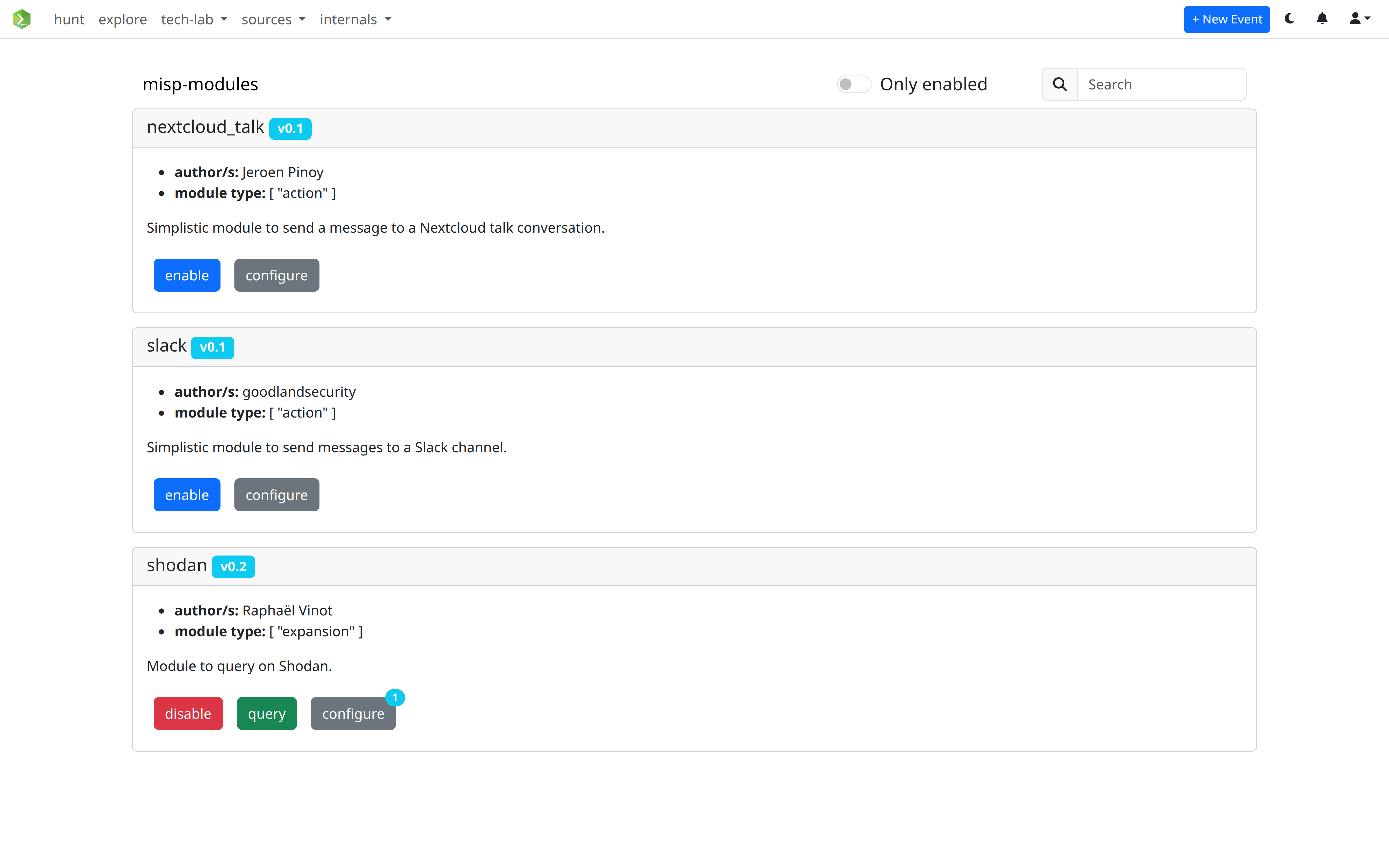
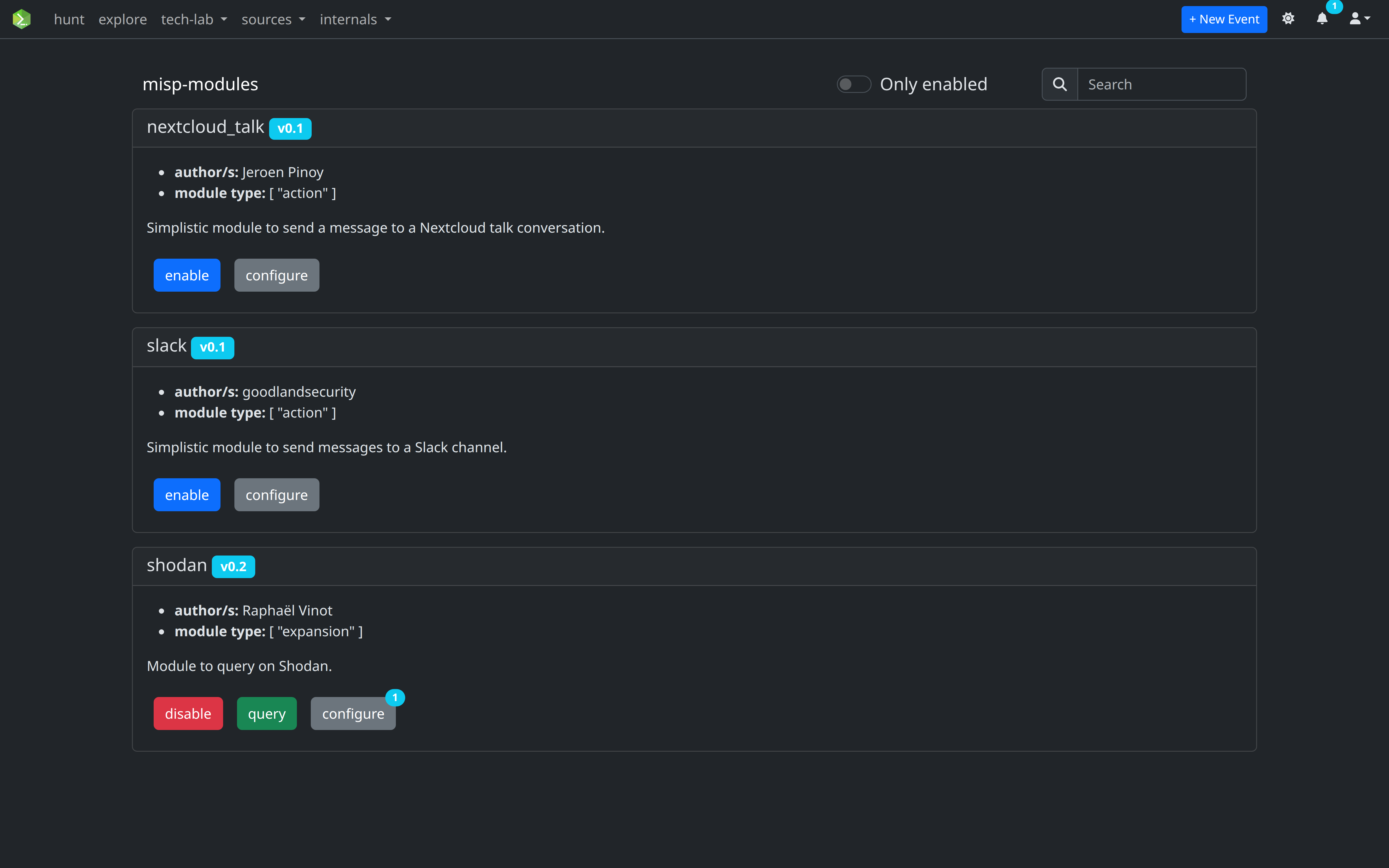
All modules available from the misp-modules service are listed with their name, author, version, and description. Use the search bar to filter by name or toggle Only enabled to see active modules.
Enabling a module
Click enable on a module card. Disabled modules are not available for enrichment queries.
Configuring a module
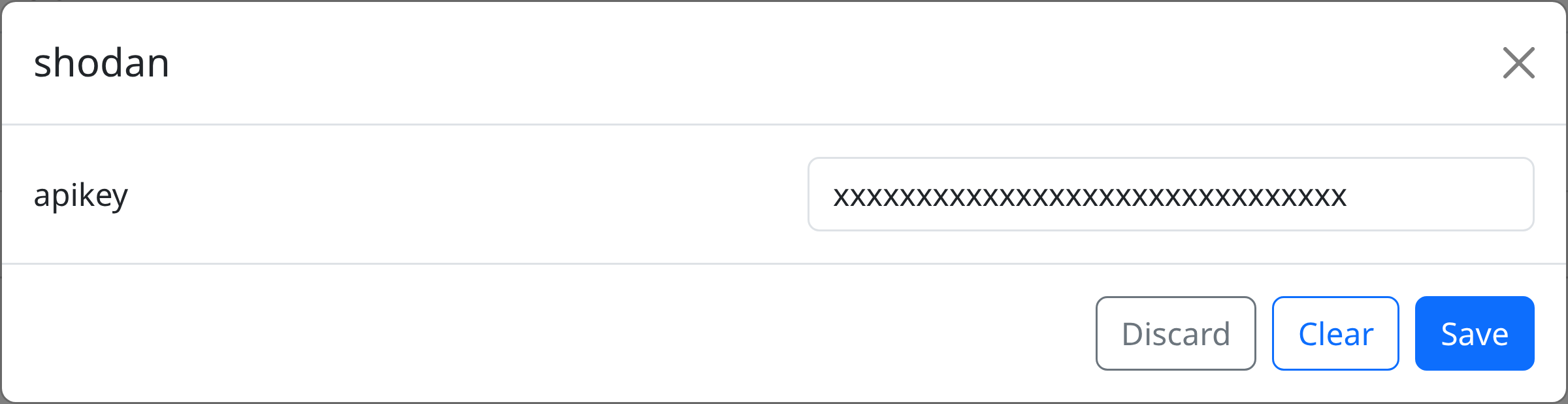
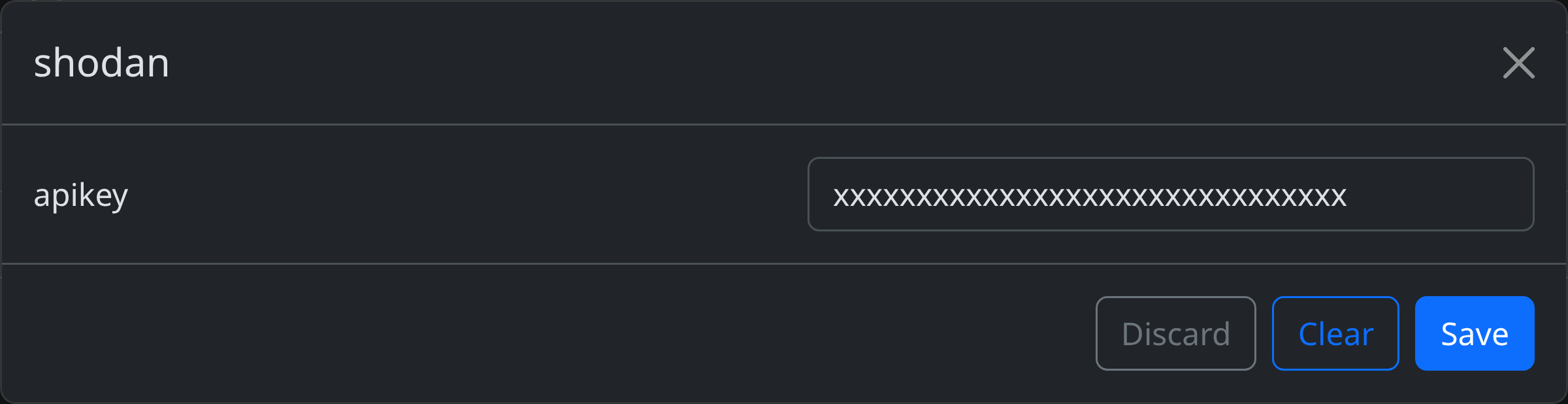
Some modules require configuration (API keys, endpoints, etc.). If a module has configurable settings, a configure button appears. Click it to set key-value pairs that are stored in the database and passed to the module on every query.
Testing a module
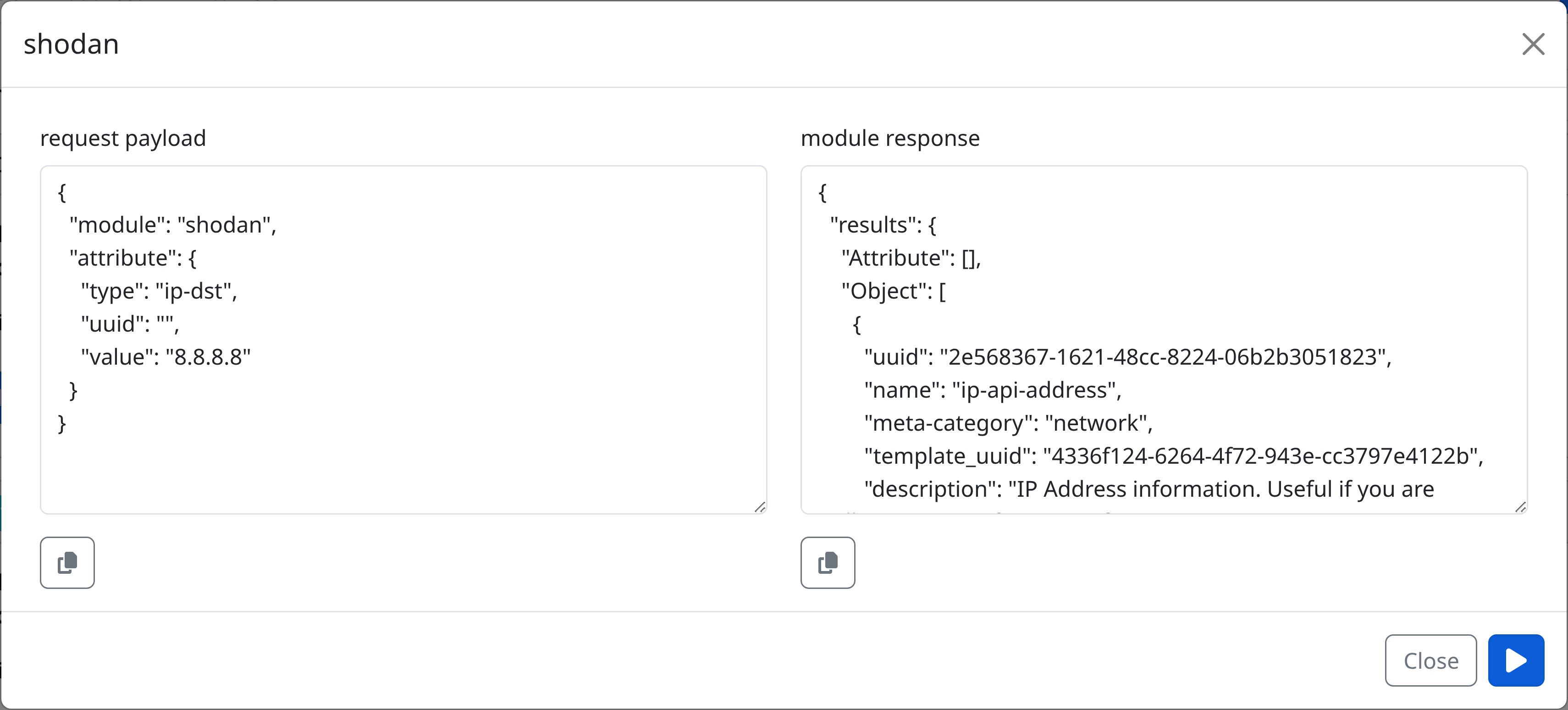
Click query on an enabled module to send a test query directly from the settings page.
Enriching an attribute
- Navigate to an event's attribute list.
- Click the Enrich action on any attribute.


- The enrichment modal shows the attribute details and a list of all enabled modules.
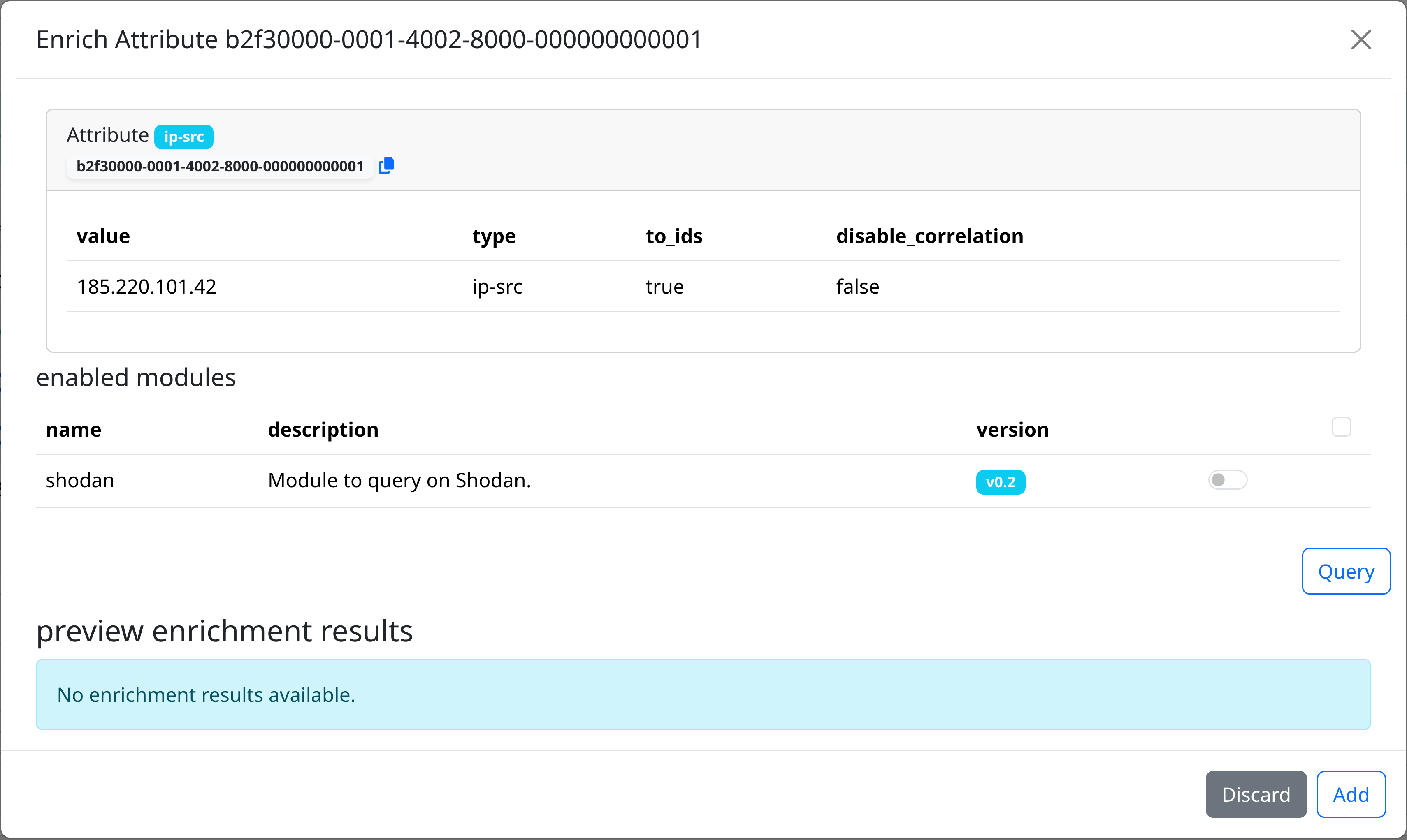
- Select which modules to query (or use the checkbox in the header to select all), then click Query.
- Results appear grouped by module. Each result is either:
- Attribute — a single value (e.g. a resolved domain, a hash)
- Object — a structured group of attributes with object references back to the source attribute
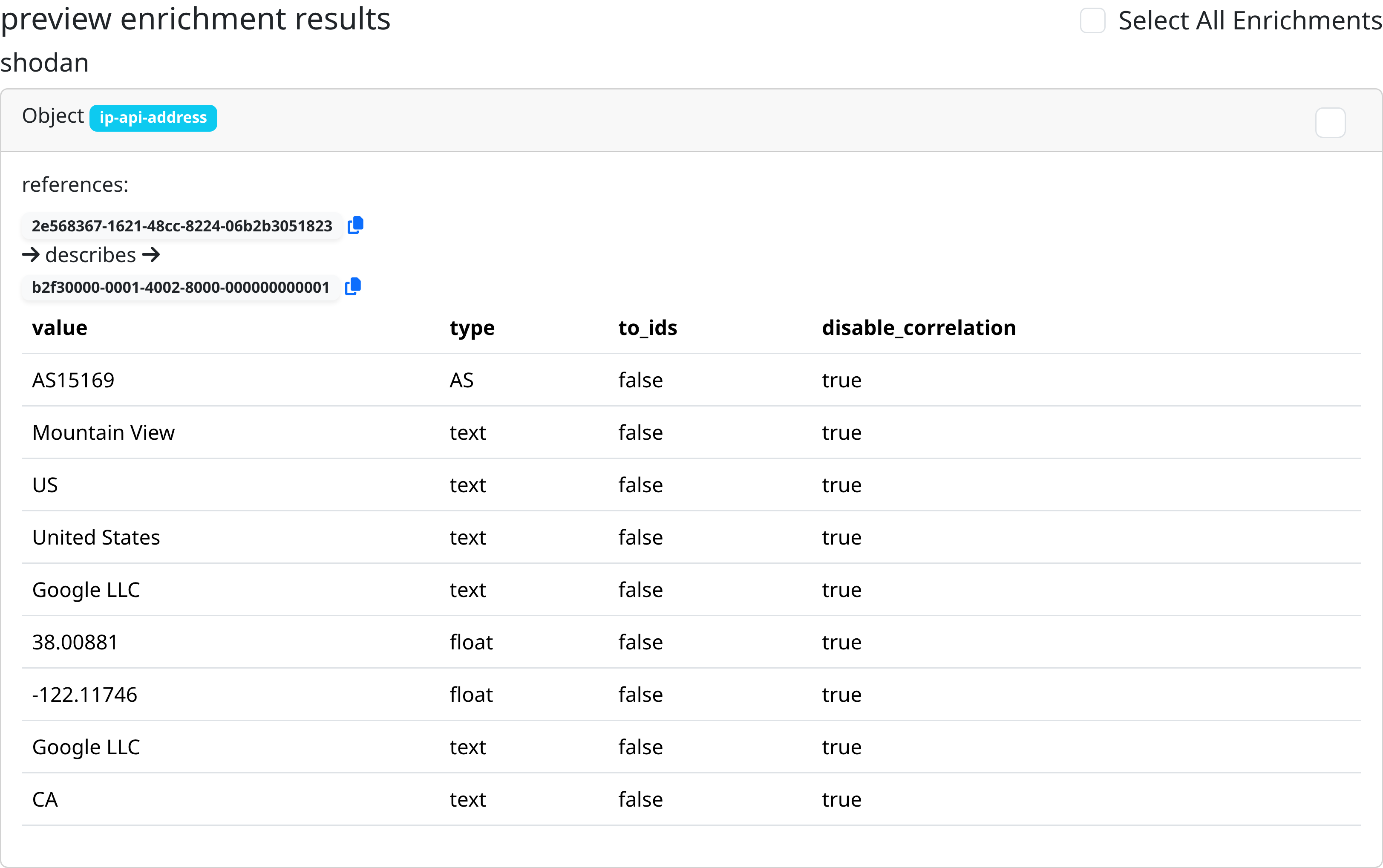
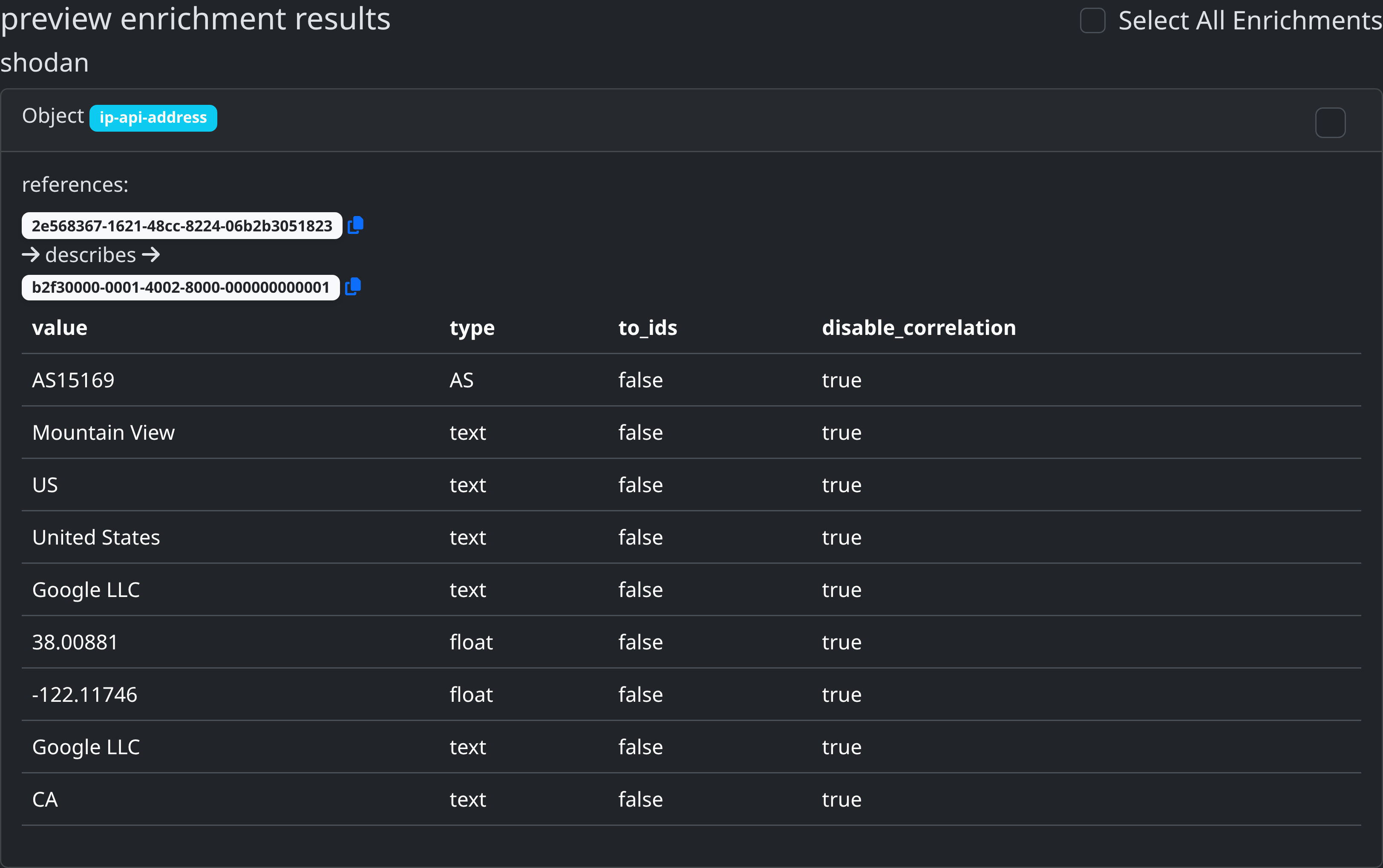
- Use the checkboxes to select which results to keep, or click Select All Enrichments.
- Click Add to create the selected attributes and objects in the event.
New attributes inherit the source attribute's event_uuid, distribution, and sharing_group_id.
API reference
| Method | Path | Description | Scopes |
|---|---|---|---|
GET |
/modules/ |
List all modules (optionally filter by enabled) |
modules:read |
PATCH |
/modules/{name} |
Enable/disable or configure a module | modules:update |
POST |
/modules/query |
Query a module with an attribute | modules:query |
Listing modules
Returns an array of module objects with metadata, input/output attribute types, and current configuration.
Querying a module
The stored module configuration is merged automatically — you do not need to pass it in the request. The response follows the misp-modules result format with Attribute and Object arrays.