Reactor Scripts
Reactor scripts are user-defined Python functions that run in response to platform events — when an event is published, an attribute is created, a correlation appears, etc. They are the misp-workbench equivalent of "rules" or "automations": small bits of code that watch the data stream and react to it.
Each script declares one or more triggers (resource type + action, optionally filtered by tag, organisation, attribute type, or object template). When a matching event happens, the platform queues a run and executes the script's handle(ctx, payload, trigger) function inside an isolated sandbox worker.
Where to find it
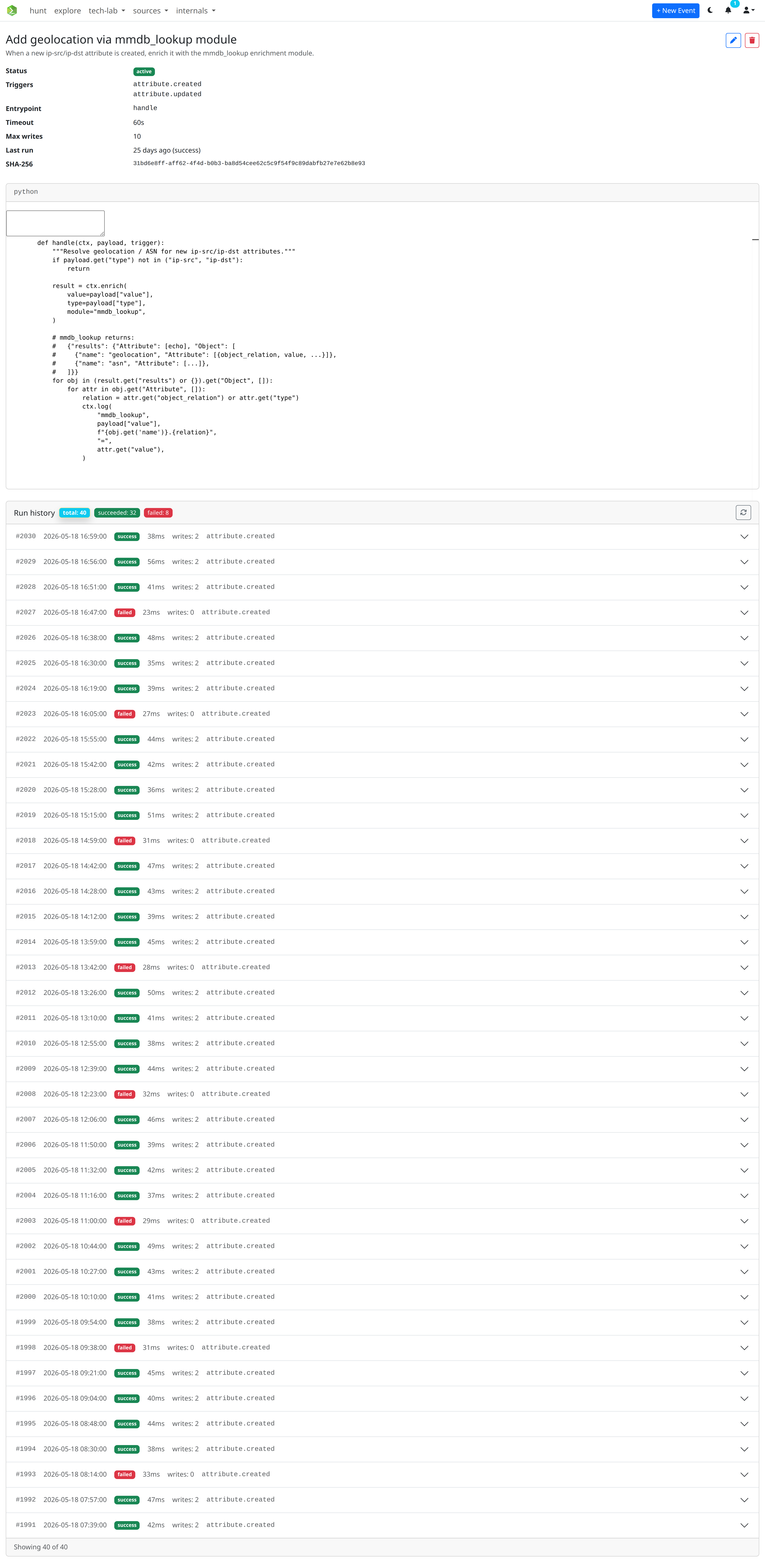
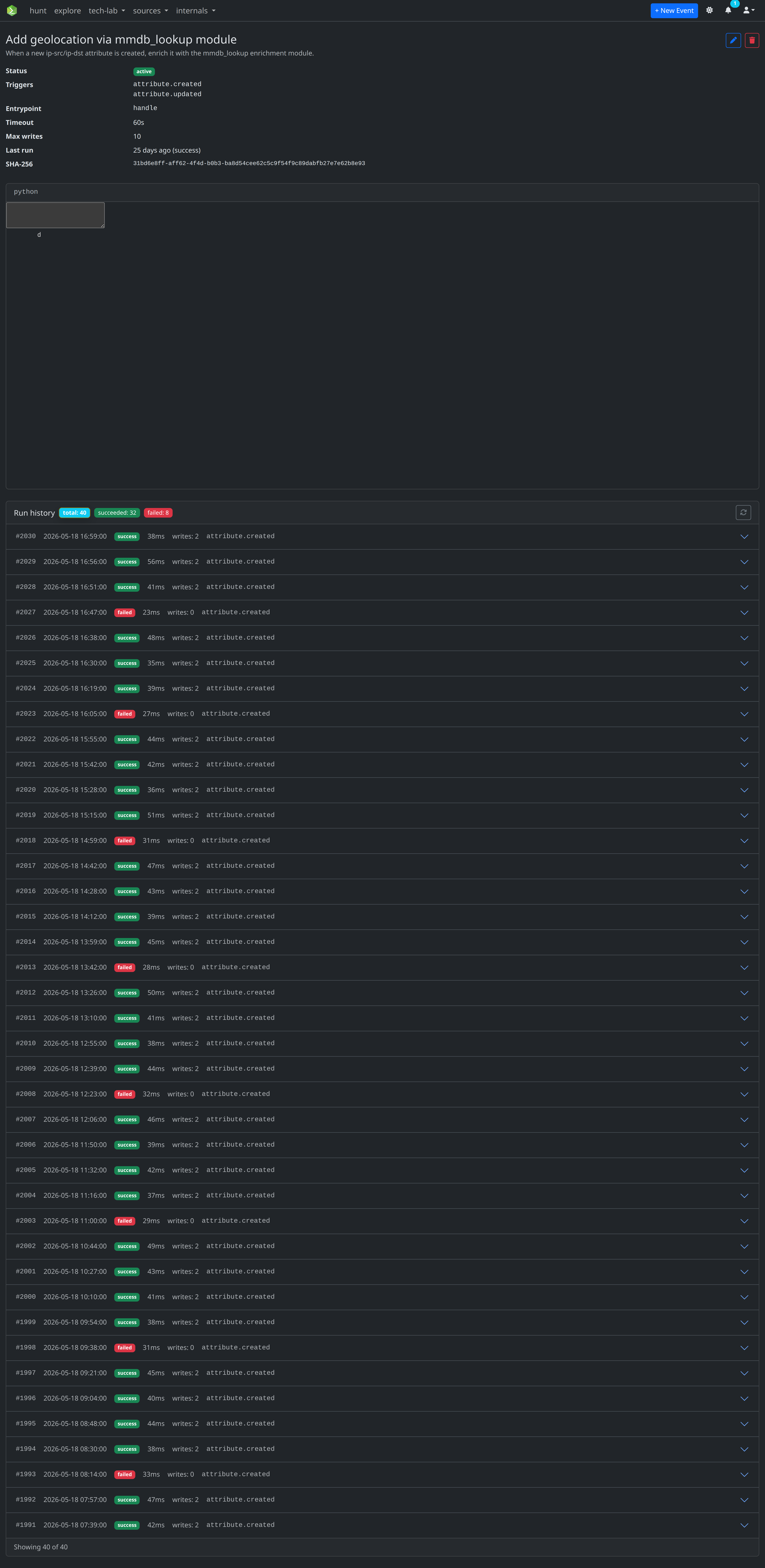
The tech-lab → reactor scripts view in the UI lists your scripts, lets you create / edit / pause them, run them against sample payloads, and inspect run history with logs.
Concepts
Trigger
A trigger is a (resource_type, action) pair plus optional filters. A script fires once per matching event.
resource_type |
actions |
|---|---|
event |
created, updated, deleted, published, unpublished |
attribute |
created, updated, deleted |
object |
created, updated, deleted |
correlation |
created |
sighting |
created |
Filters narrow down when the script fires. Filters are AND-ed within a single trigger; values within a filter list are OR-ed.
| Filter key | Applies to | Effect |
|---|---|---|
tags |
event, attribute | Fires only if the resource carries at least one of the listed tag names |
orgs |
event, attribute | Fires only if orgc.name matches one of the listed organisations |
types |
attribute | Restricts to specific attribute types (e.g. ip-src, sha256) |
templates |
object | Restricts to specific object template names (e.g. file, url) |
The singular forms (tag, org, type, template) are also accepted for one-off matches.
Run
A run is one execution of a script for one matching event. Runs are persisted with their status (queued, running, success, failed, timed_out), timestamps, error message, write count, and a captured stdout/stderr log. The Reactor view's Run history panel shows them, with filter chips for succeeded / failed and a Load more button for older runs.
Quotas and isolation
| Bound | Default | Where set |
|---|---|---|
timeout_seconds |
60 | per script |
max_writes |
10 | per script |
max_writes caps writes — add_attribute, tag_event, tag_attribute, and enrich (because enrichments hit external services) all count. Exceeding the quota raises ReactorWriteQuotaExceeded. Reads are not counted.
Scripts run on a dedicated reactor_sandbox Celery queue served by a separate worker container so a runaway script can't take down the API process. Each run gets a restricted __builtins__ set and a wall-clock time_limit.
Audit log
Every write done through ctx is recorded in the audit log under the script's owner identity, with the action namespaced as reactor.write.<verb> and metadata including the run id, script id, script name, and the affected resource UUIDs. This is how admins trace any side-effect back to a specific run.
The handle function
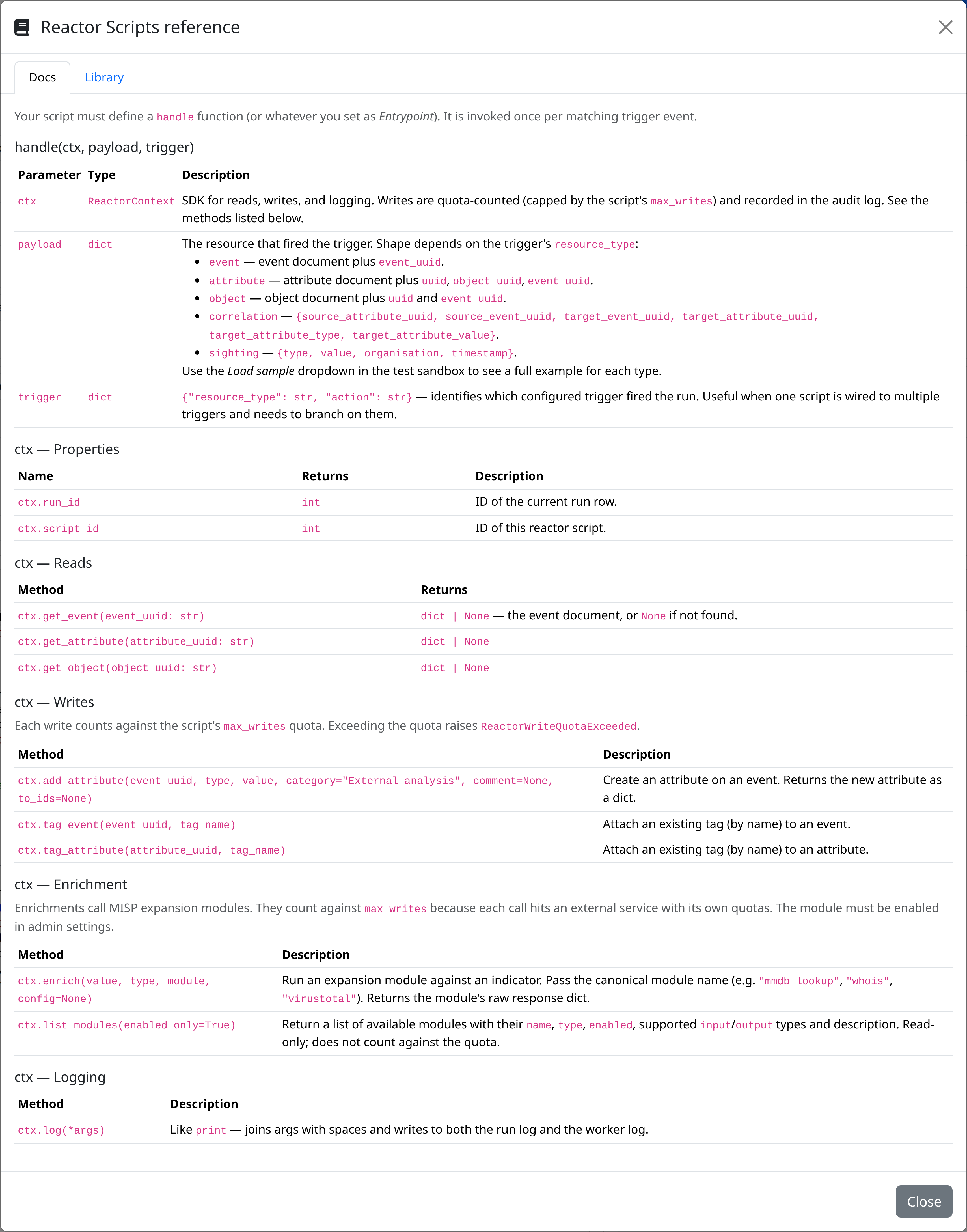
Your script must define a handle function (or whatever you set as entrypoint on the script):
| Parameter | Type | Description |
|---|---|---|
ctx |
ReactorContext |
SDK for reads, writes, enrichment, and logging. Methods listed below. |
payload |
dict |
The resource that fired the trigger. Shape depends on trigger["resource_type"] (see below). |
trigger |
dict |
{"resource_type": str, "action": str} — identifies which configured trigger fired the run. |
payload shapes
resource_type |
Top-level keys |
|---|---|
event |
full event document plus event_uuid |
attribute |
attribute document plus attribute_uuid, object_uuid, event_uuid |
object |
object document plus object_uuid and event_uuid; nested Attribute[] |
correlation |
source_attribute_uuid, source_event_uuid, target_event_uuid, target_attribute_uuid, target_attribute_type, target_attribute_value |
sighting |
type, value, organisation, timestamp |
The Reactor editor's Test sandbox has a Load sample dropdown that pretty-prints a realistic payload for each resource type so you can iterate without waiting for a real event.
ctx reference
Properties
| Name | Returns | Description |
|---|---|---|
ctx.run_id |
int |
ID of the current run row |
ctx.script_id |
int |
ID of this reactor script |
Reads
| Method | Returns |
|---|---|
ctx.get_event(event_uuid) |
dict | None — the event document, or None if not found |
ctx.get_attribute(attribute_uuid) |
dict | None |
ctx.get_object(object_uuid) |
dict | None |
Writes
Each write counts against max_writes. Tags that don't yet exist are auto-created with sensible defaults (deterministic hex colour from the name, exportable, non-galaxy, visible).
| Method | Description |
|---|---|
ctx.add_attribute(event_uuid, type, value, category="External analysis", comment=None, to_ids=None) |
Create an attribute on an event. Returns the new attribute as a dict. |
ctx.tag_event(event_uuid, tag_name) |
Attach a tag to an event. |
ctx.tag_attribute(attribute_uuid, tag_name) |
Attach a tag to an attribute. |
Enrichment
| Method | Description |
|---|---|
ctx.enrich(value, type, module, config=None) |
Run a misp-module on a single indicator. The module must be enabled in admin settings. Returns the module's raw response dict. Counts against max_writes because each call hits an external service with its own quotas. |
ctx.list_modules(enabled_only=True) |
Return available modules with name, type, enabled, input/output types and description. Read-only. |
Pass the canonical module name to enrich (e.g. "mmdb_lookup", "whois", "virustotal") — there are no aliases.
Logging
| Method | Description |
|---|---|
ctx.log(*args) |
Like print — joins args with spaces and writes to both the run log and the worker log. |
Examples
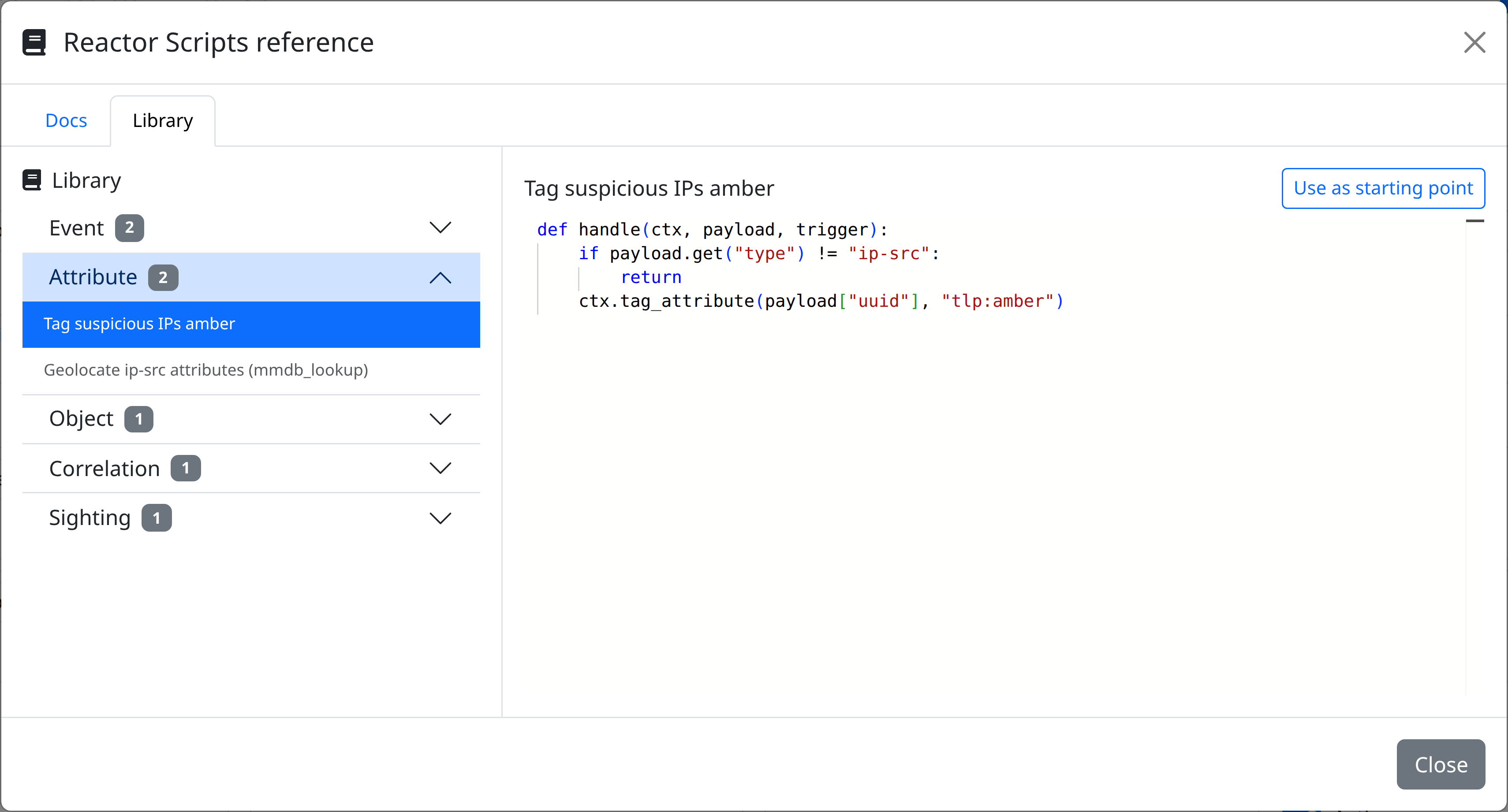
Tag suspicious IPs amber
def handle(ctx, payload, trigger):
    if payload.get("type") != "ip-src":
        return
    ctx.tag_attribute(payload["attribute_uuid"], "tlp:amber")
Migrate tlp:white events to tlp:clear
def handle(ctx, payload, trigger):
    """Add tlp:clear to events tagged tlp:white (TLP rename)."""
    tag_names = {
        t.get("name") for t in payload.get("tags", []) if isinstance(t, dict)
    }
    if "tlp:white" in tag_names and "tlp:clear" not in tag_names:
        ctx.tag_event(payload["event_uuid"], "tlp:clear")
        ctx.log("added tlp:clear to", payload["event_uuid"])
Geolocate IPs via mmdb_lookup
def handle(ctx, payload, trigger):
    if payload.get("type") not in ("ip-src", "ip-dst"):
        return

    result = ctx.enrich(
        value=payload["value"],
        type=payload["type"],
        module="mmdb_lookup",
    )

    # mmdb_lookup returns:
    #   {"results": {"Attribute": [echo], "Object": [
    #     {"name": "geolocation", "Attribute": [{object_relation, value, ...}]},
    #     {"name": "asn", "Attribute": [...]},
    #   ]}}
    for obj in (result.get("results") or {}).get("Object", []):
        for attr in obj.get("Attribute", []):
            relation = attr.get("object_relation") or attr.get("type")
            ctx.log(
                "mmdb_lookup",
                payload["value"],
                f"{obj.get('name')}.{relation}",
                "=",
                attr.get("value"),
            )
Tag both sides of a fresh correlation
def handle(ctx, payload, trigger):
    ctx.tag_attribute(payload["source_attribute_uuid"], "correlated")
    ctx.tag_attribute(payload["target_attribute_uuid"], "correlated")
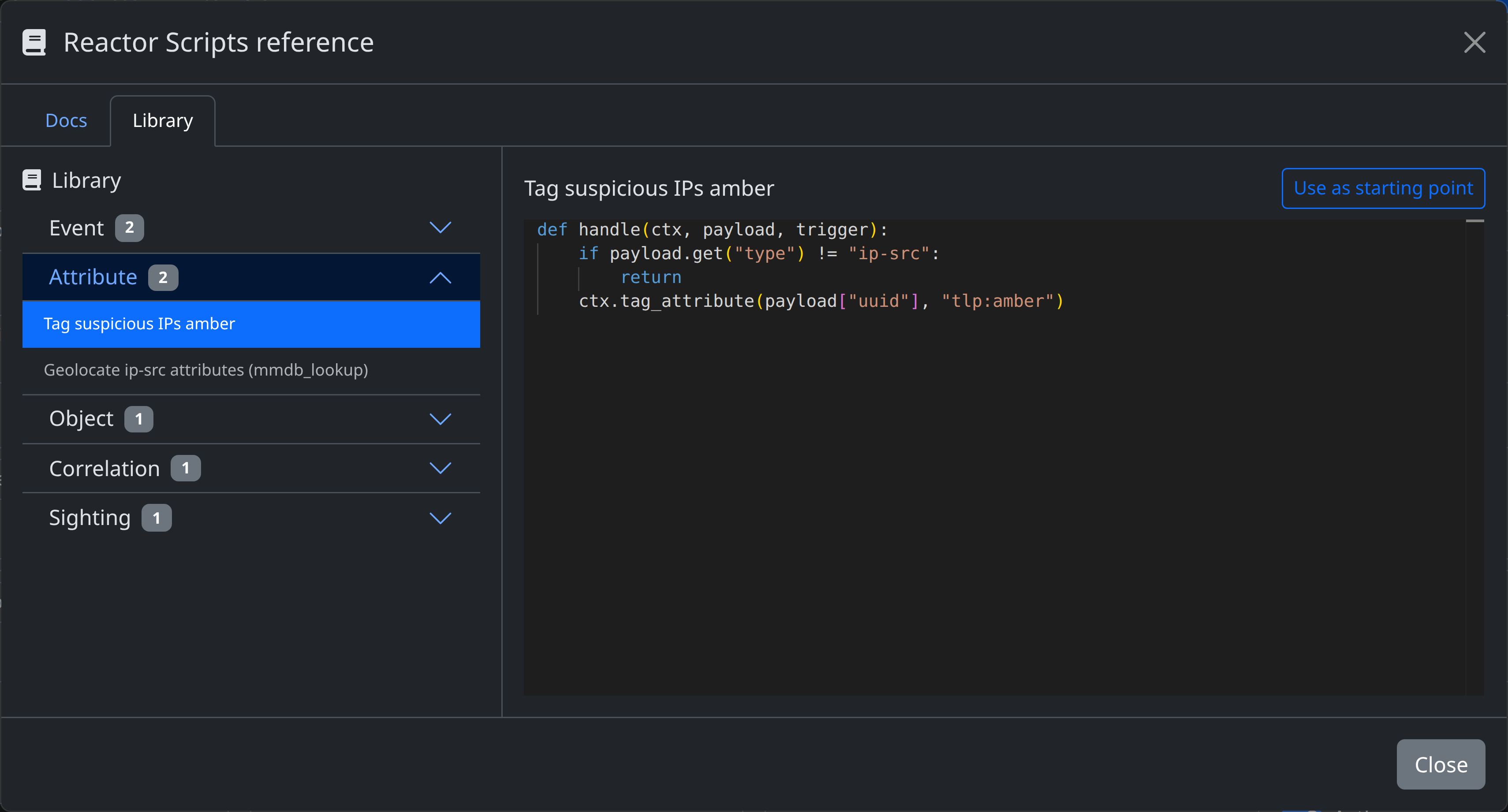
More examples are available in the editor's Library panel (open the ctx reference button → Library tab), grouped by Event / Attribute / Object / Correlation / Sighting. The Use as starting point button copies an example into the script editor.
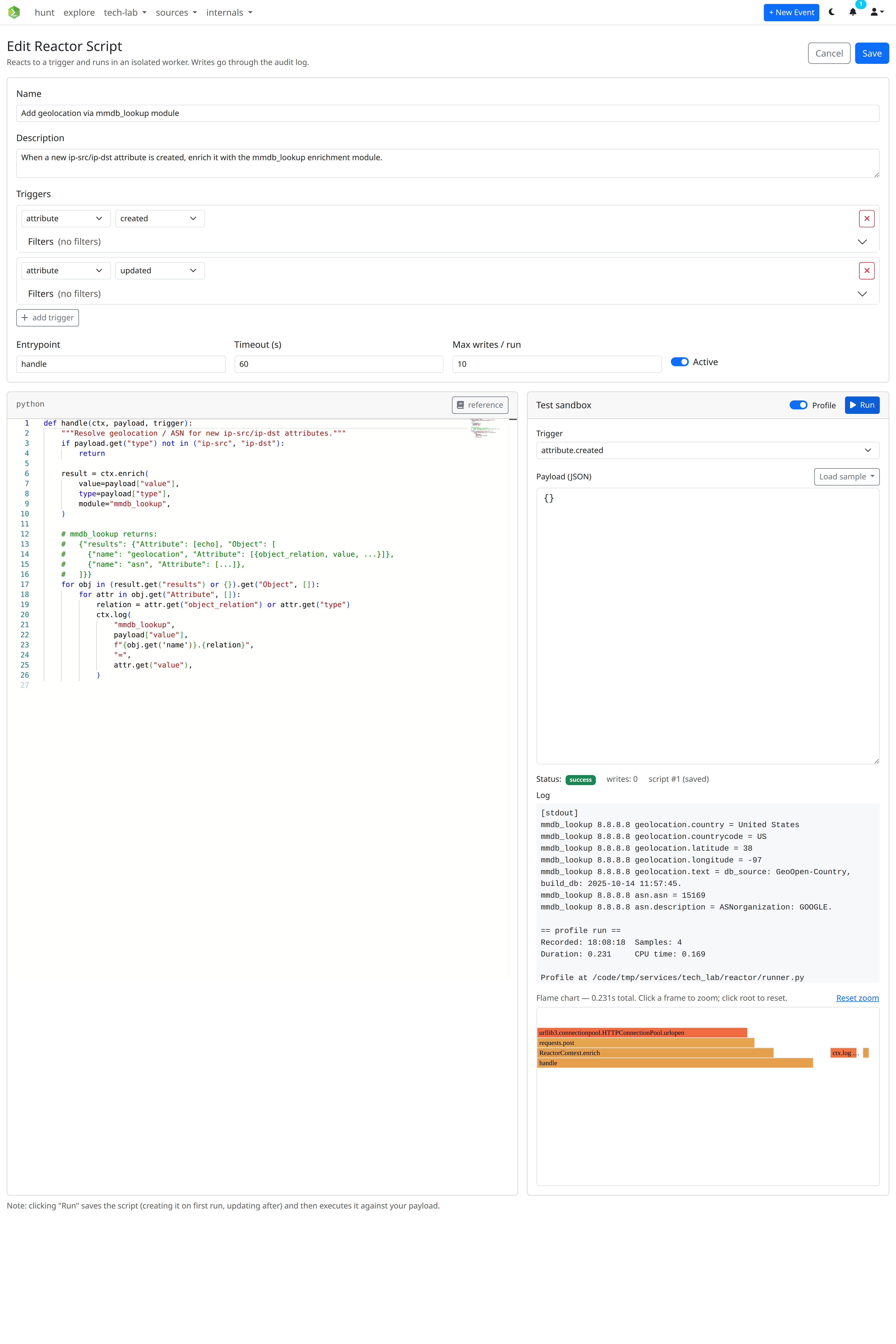
Test sandbox
The Reactor editor has a Test sandbox alongside the code editor:
- Pick a trigger from your script's configured triggers.
- Edit the JSON payload (or click Load sample for a realistic shape per resource type).
- Click Run.
Clicking Run saves the script (creating it on first run, patching it on subsequent runs) and then executes it synchronously against your payload, displaying the run status, write count, and captured log inline. The selected trigger and payload are persisted to localStorage so they survive a page refresh.
Permissions
| Scope | Allows |
|---|---|
reactor:read |
List / view scripts, view run history and logs |
reactor:create |
Create new scripts |
reactor:update |
Edit scripts, pause / enable, change source |
reactor:delete |
Delete scripts |
reactor:run |
Use the synchronous test endpoint |
The Test sandbox's Run button is gated on reactor:run. Async runs triggered by real platform events do not require any per-user scope — they execute under the script owner's identity.
Screenshots
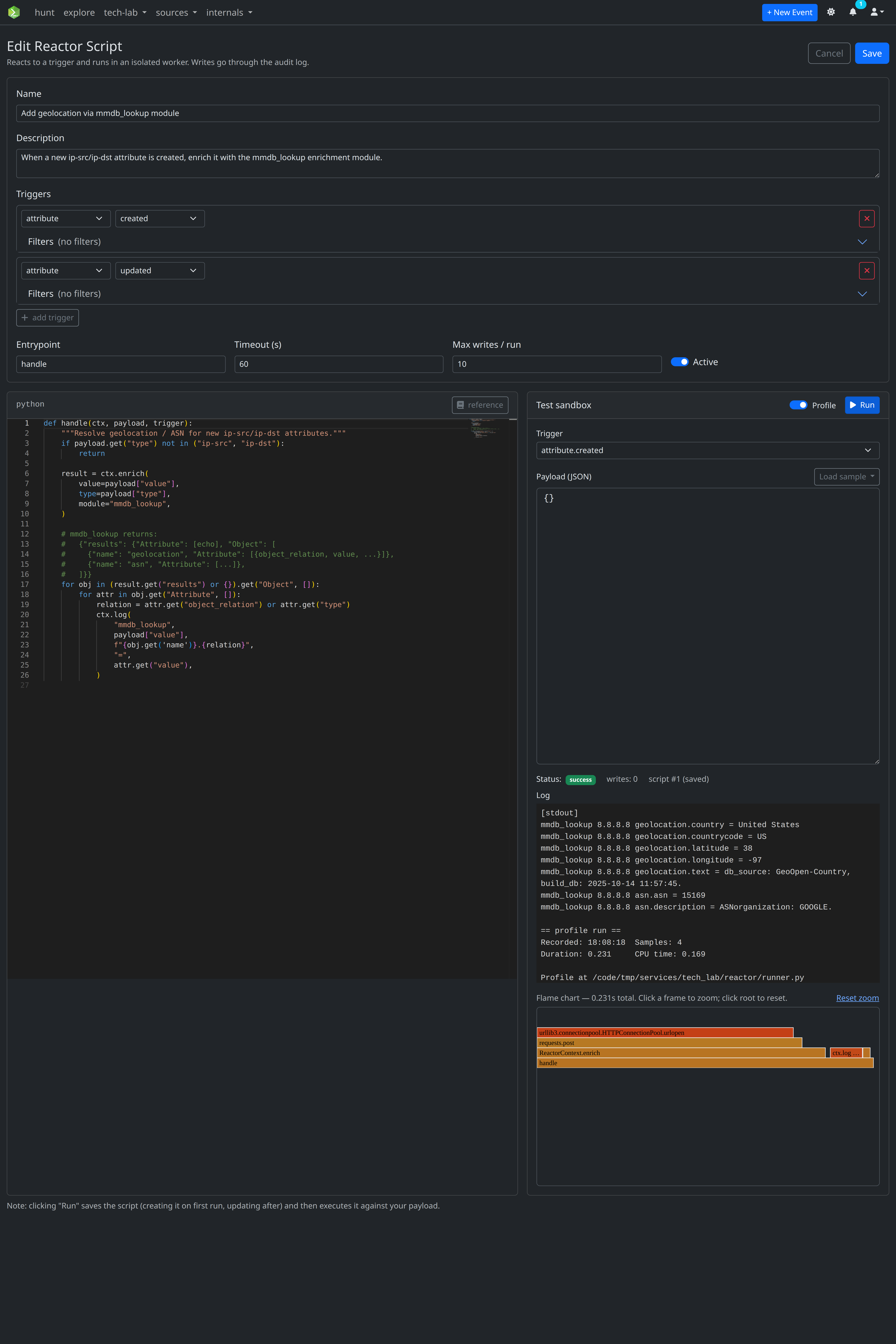
Creating or editing a Reactor Script
View details and run log of a Reactor Script
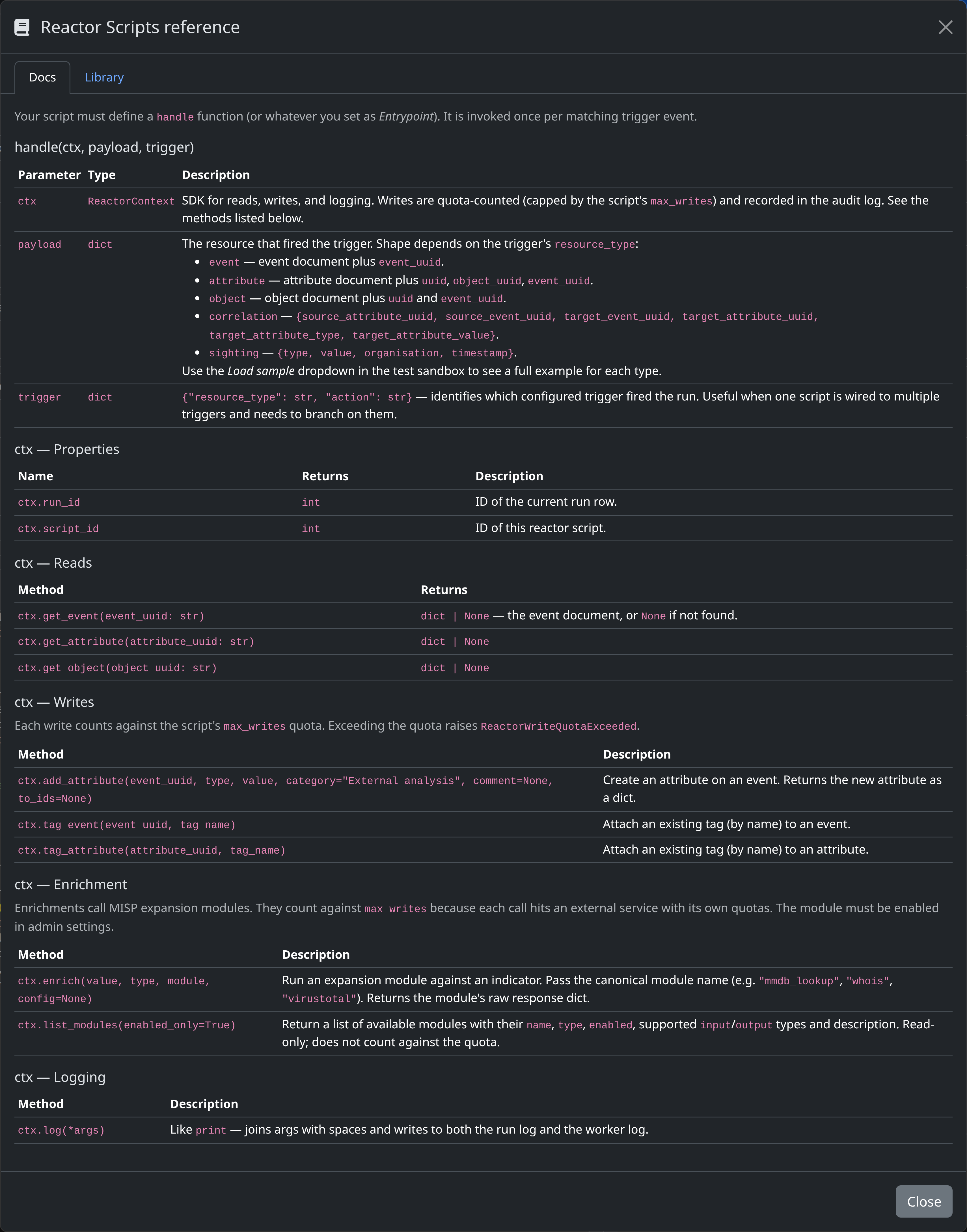
See Reactor Scripts reference docs
See Reactor Scripts library