Batch Import
Batch import lets you paste a list of indicators (one per line) and add them as attributes to an event in a single operation. Each line is automatically detected and classified by type.
How it works
Paste raw indicators (one per line)
      │
      ▼
Auto-detect type & category for each line
      │
      ▼
Review preview — override type/category per line if needed
      │
      ▼
Import all valid attributes into the event
Using batch import
- Open an event and click the (Import Data) button.
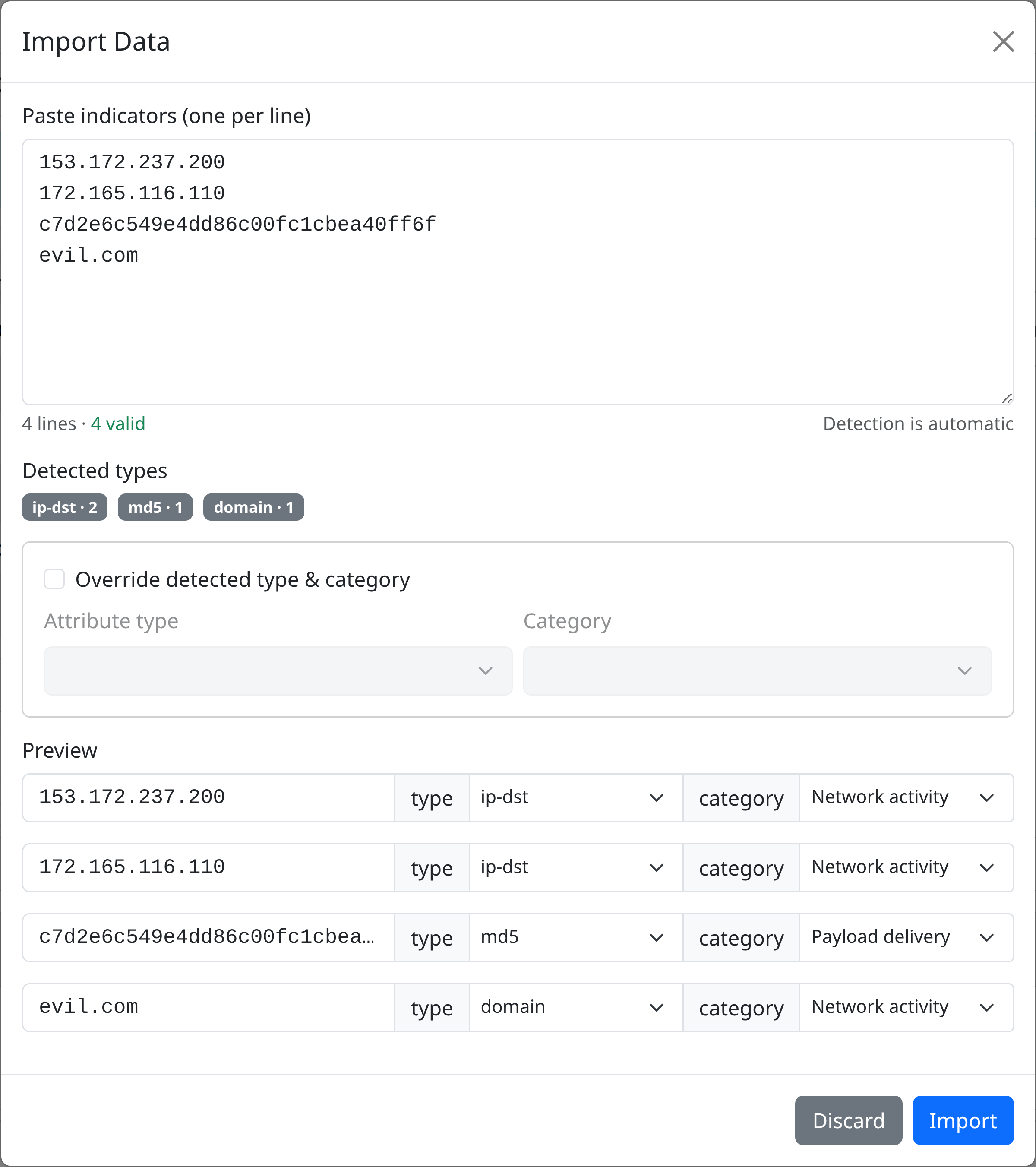
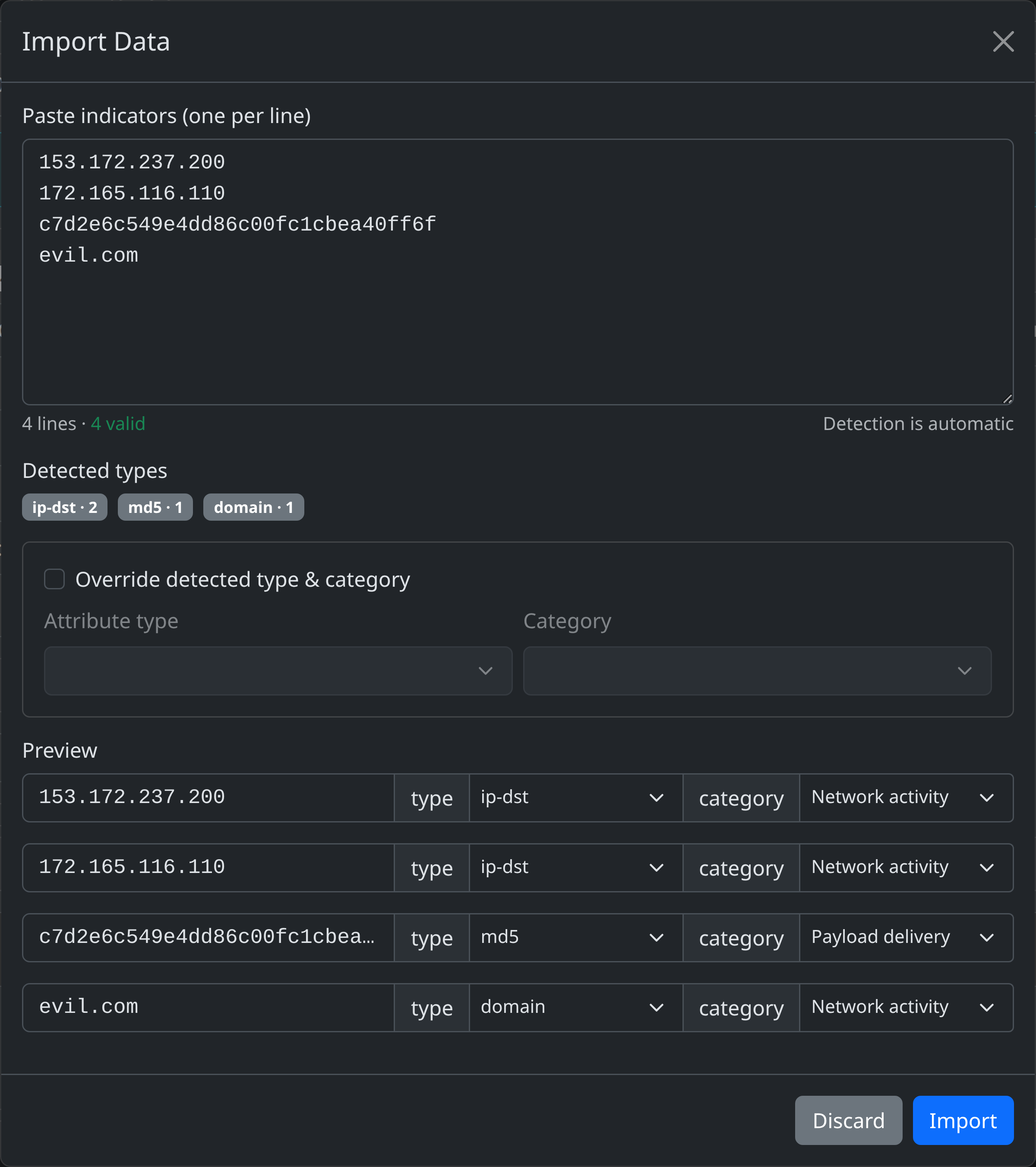
- Paste indicators into the text area, one per line. Detection runs automatically as you type.
- A summary bar shows total lines, valid count, and invalid count.
- Detected types badges show how many indicators were found per type.
Auto-detection
Each line is matched against a set of built-in patterns:
| Type | Example |
|---|---|
sha256 |
e3b0c44298fc1c149afbf4c8996fb92427ae41e4649b934ca495991b7852b855 |
sha1 |
da39a3ee5e6b4b0d3255bfef95601890afd80709 |
md5 |
d41d8cd98f00b204e9800998ecf8427e |
ip-src (CIDR) |
192.168.1.0/24 |
ip-dst |
8.8.8.8 |
url |
https://evil.example.com/payload |
domain |
evil.example.com |
Lines that don't match any pattern are flagged as invalid and skipped during import.
Overriding detected types
Per-line override
In the preview table, each line has type and category dropdowns. Change them to correct a misdetection or assign a more specific type.
Global override
Check Override detected type & category to force a single type and category for all lines. A warning banner confirms the override is active.
Preview
The preview table shows each parsed line with its value, detected (or overridden) type, and category. Results are paginated when the list is large.
Submitting
Click Import to create the attributes. The backend returns a summary:
{
  "message": "Imported 42 out of 45 attributes.",
  "imported_attributes": 42,
  "total_attributes": 45,
  "failed_attributes": 3,
  "event_uuid": "..."
}
Imported attributes inherit the event's distribution level and default to the External analysis category when no category is specified.
API reference
| Method | Path | Description | Scopes |
|---|---|---|---|
POST |
/events/{event_uuid}/import |
Import attributes into an event | events:import |
Request body
{
  "attributes": [
    { "value": "8.8.8.8", "type": "ip-dst", "category": "Network activity" },
    { "value": "evil.com", "type": "domain", "category": "Network activity" }
  ]
}
The category field is optional and defaults to External analysis.